USB-C & Charging Cables UK
Shop USB-C, USB-A to USB-C, Micro-USB and multi-device charging cables at Zextons UK. Compare power ratings, lengths, data support and compatibility.
Shop USB-C and charging cables for smartphones, tablets, laptops, power banks and other compatible devices at Zextons UK.
Our range includes USB-C to USB-C cables, USB-A to USB-C cables, Micro-USB cables and multi-connector charging cables in different lengths, designs and listed power ratings. Whether you need a replacement phone cable, a longer cable for everyday use or a higher-rated USB-C cable for compatible equipment, you can compare your options in one place.
For more mobile accessories, including charging equipment, power banks and adapters, explore ourPhone Accessories UK range.
Shop Charging Cables by Connector Type
Before choosing a charging cable, check the connector on both your device and your charging source.
Two cables can look similar but have different connectors, charging capabilities or data-transfer support.
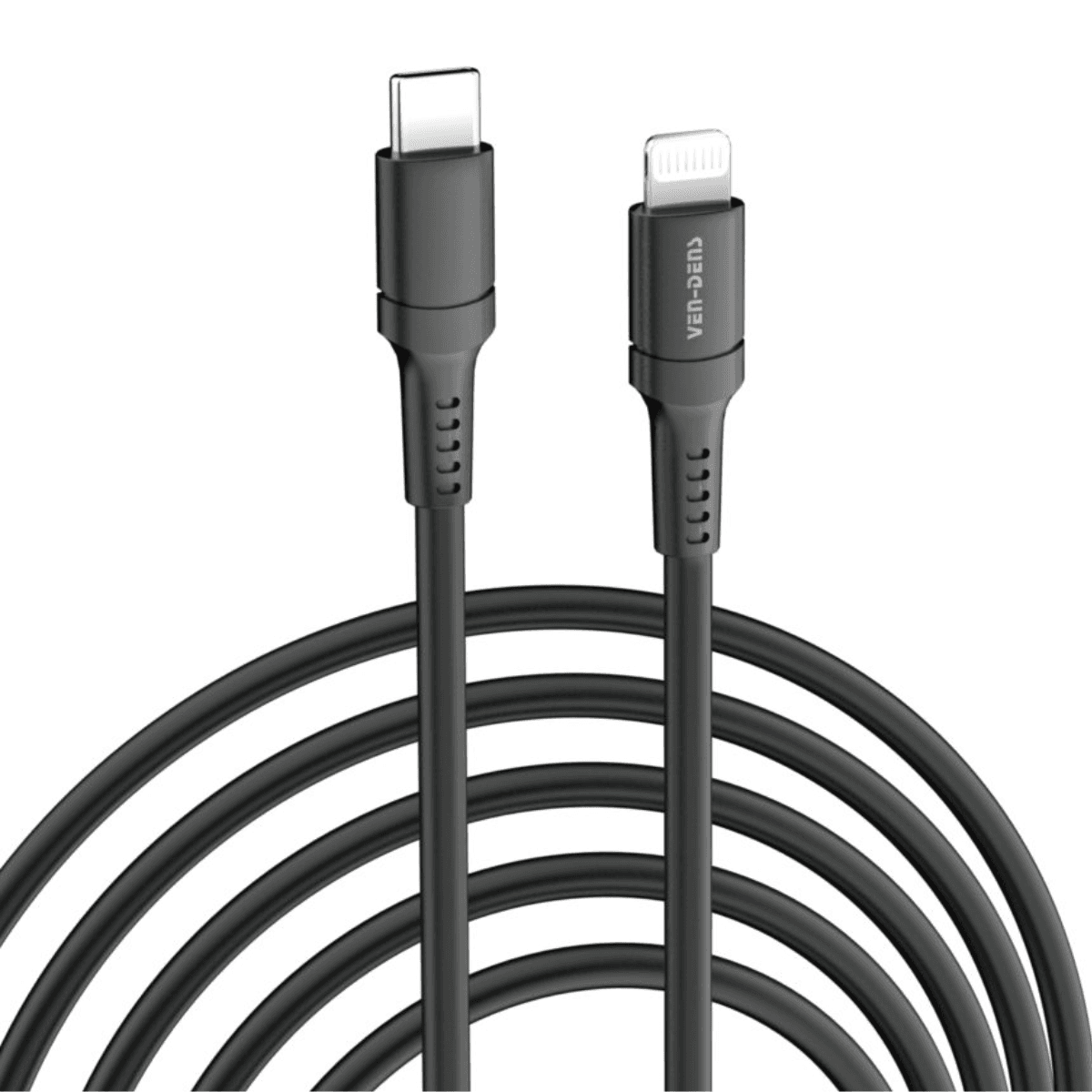
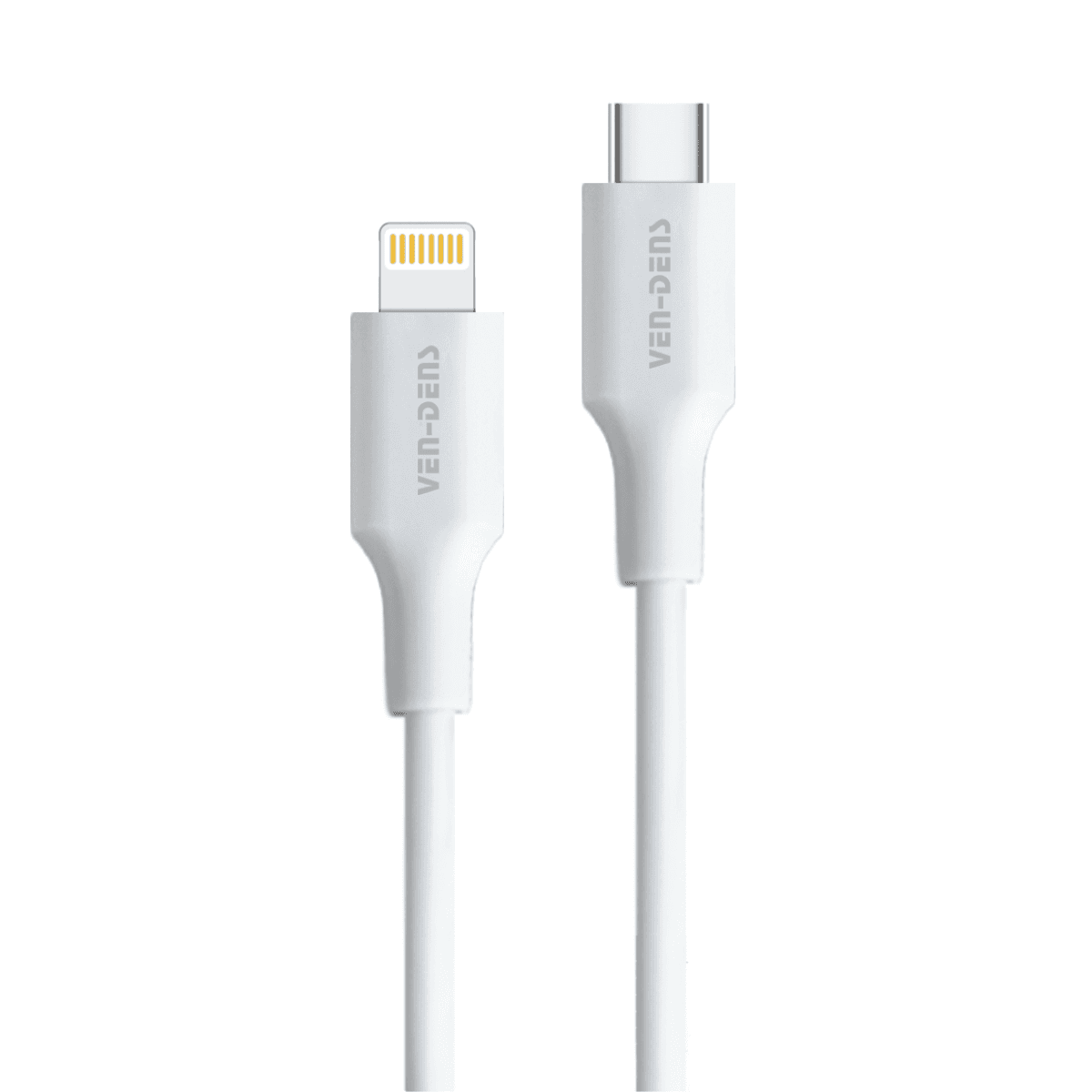
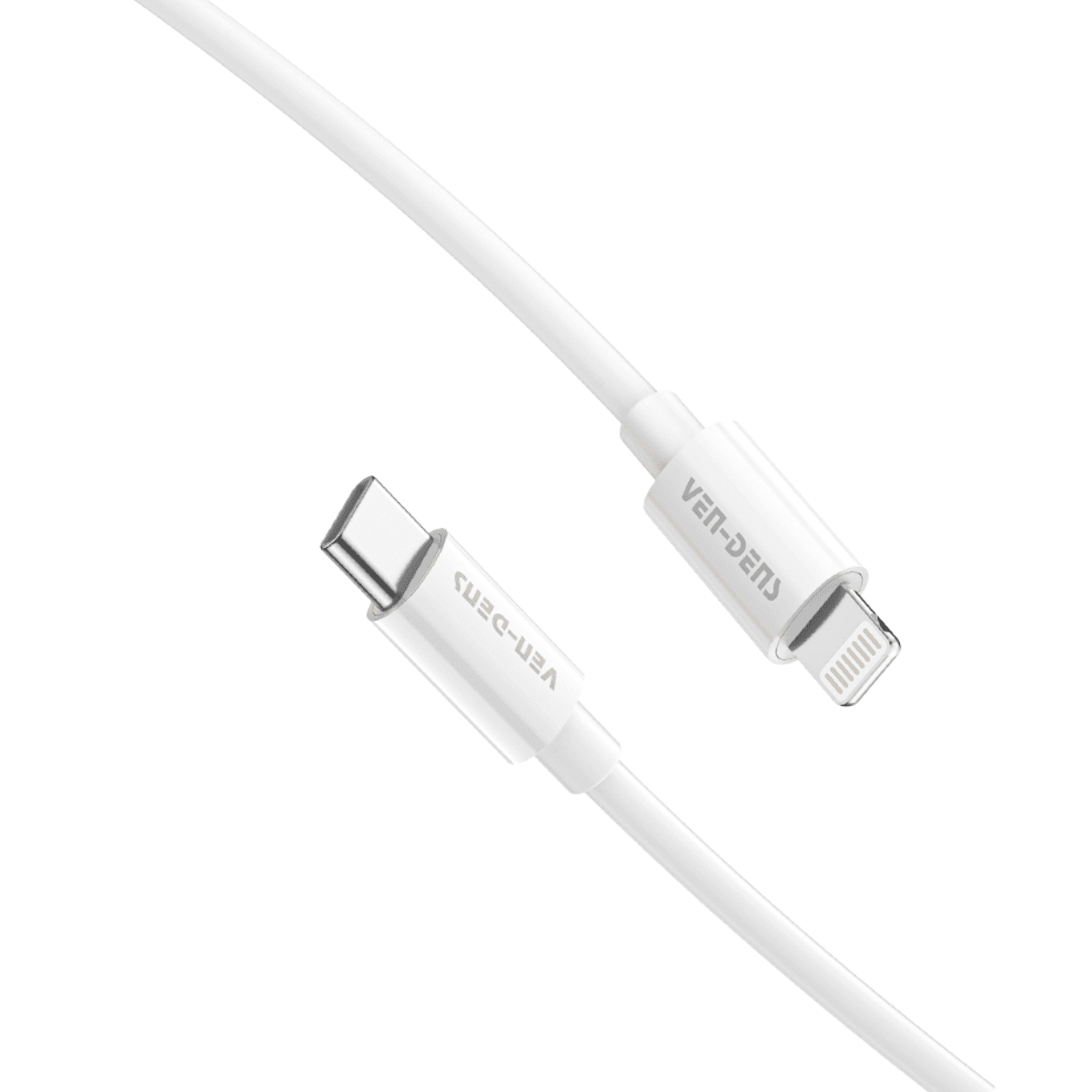
USB-C to USB-C Cables
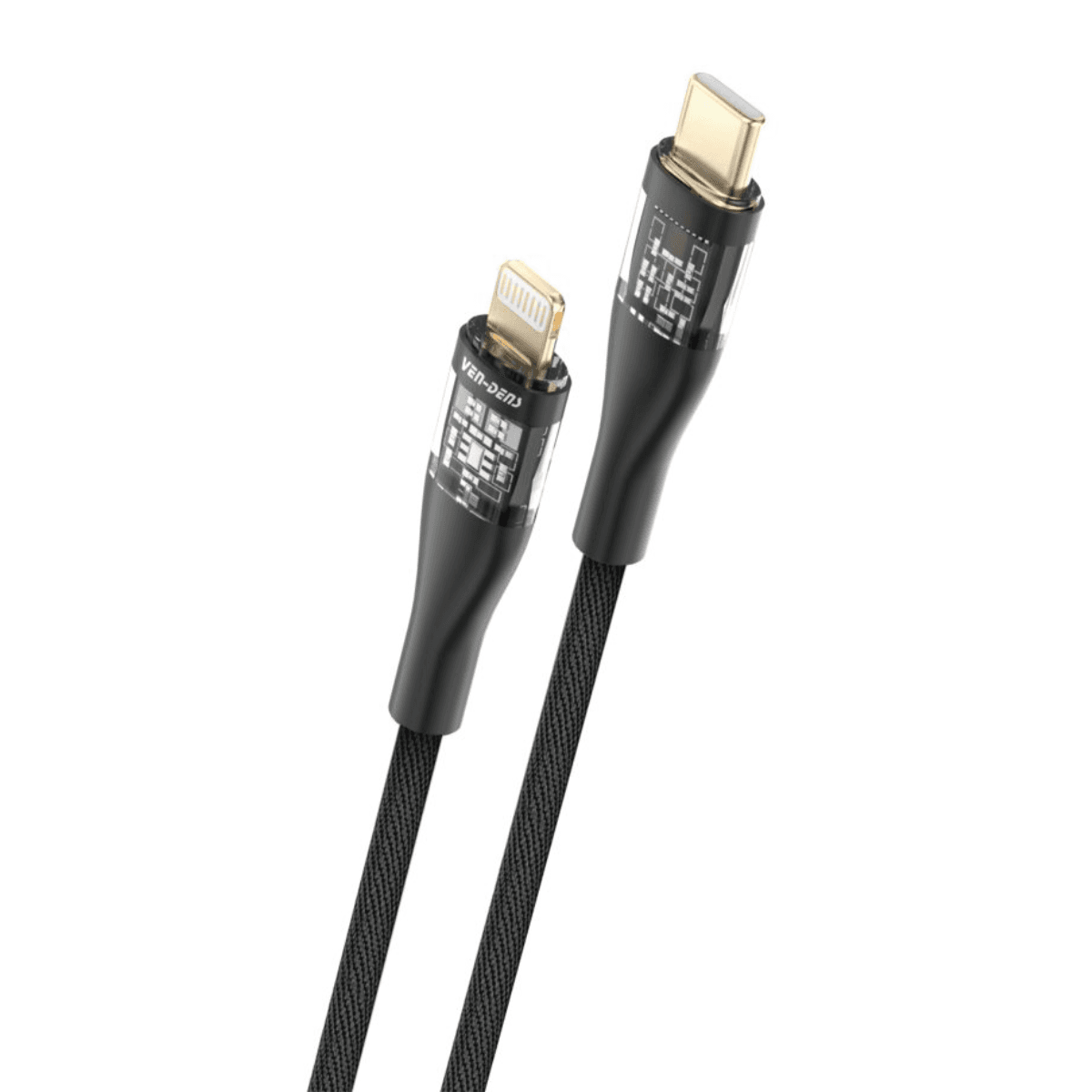
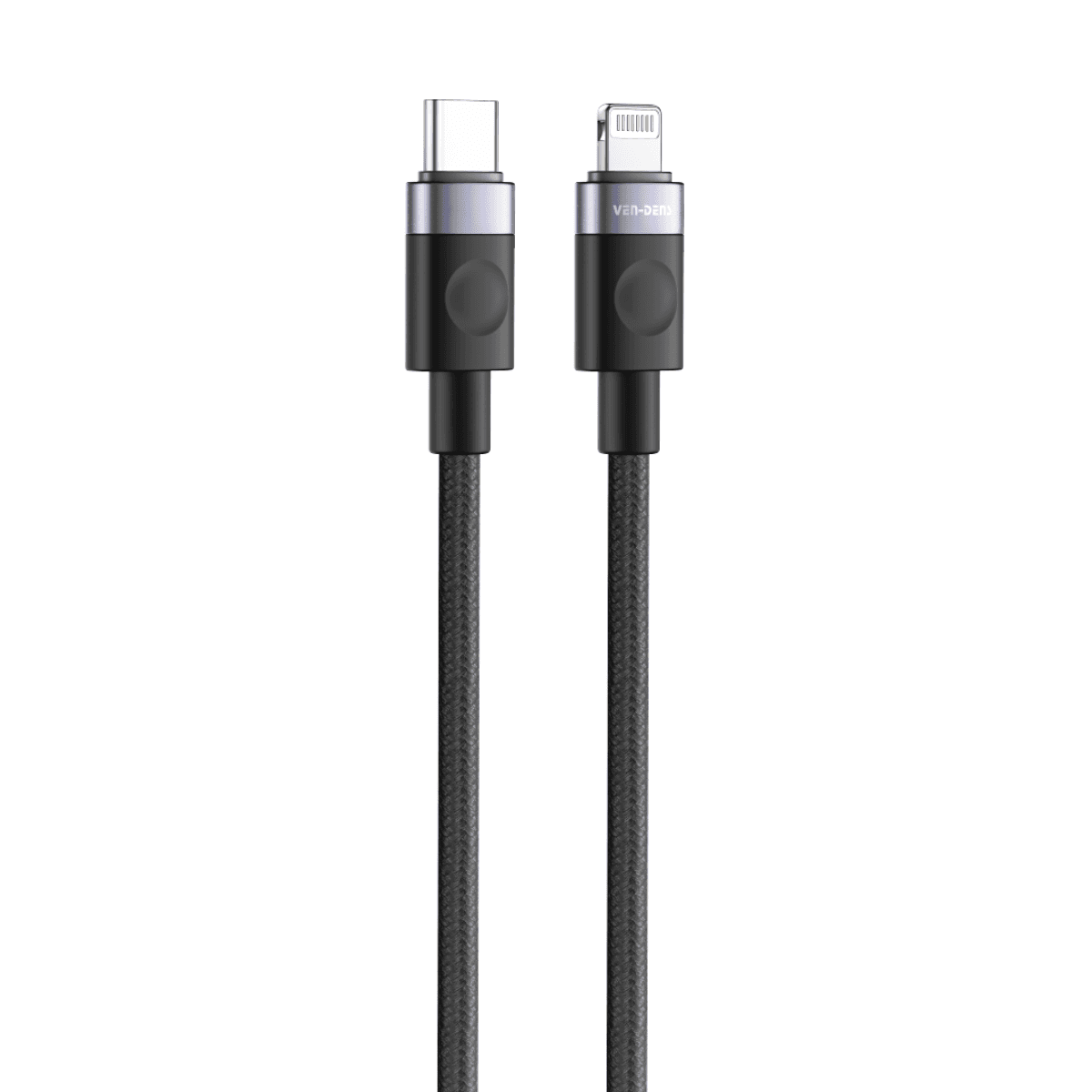
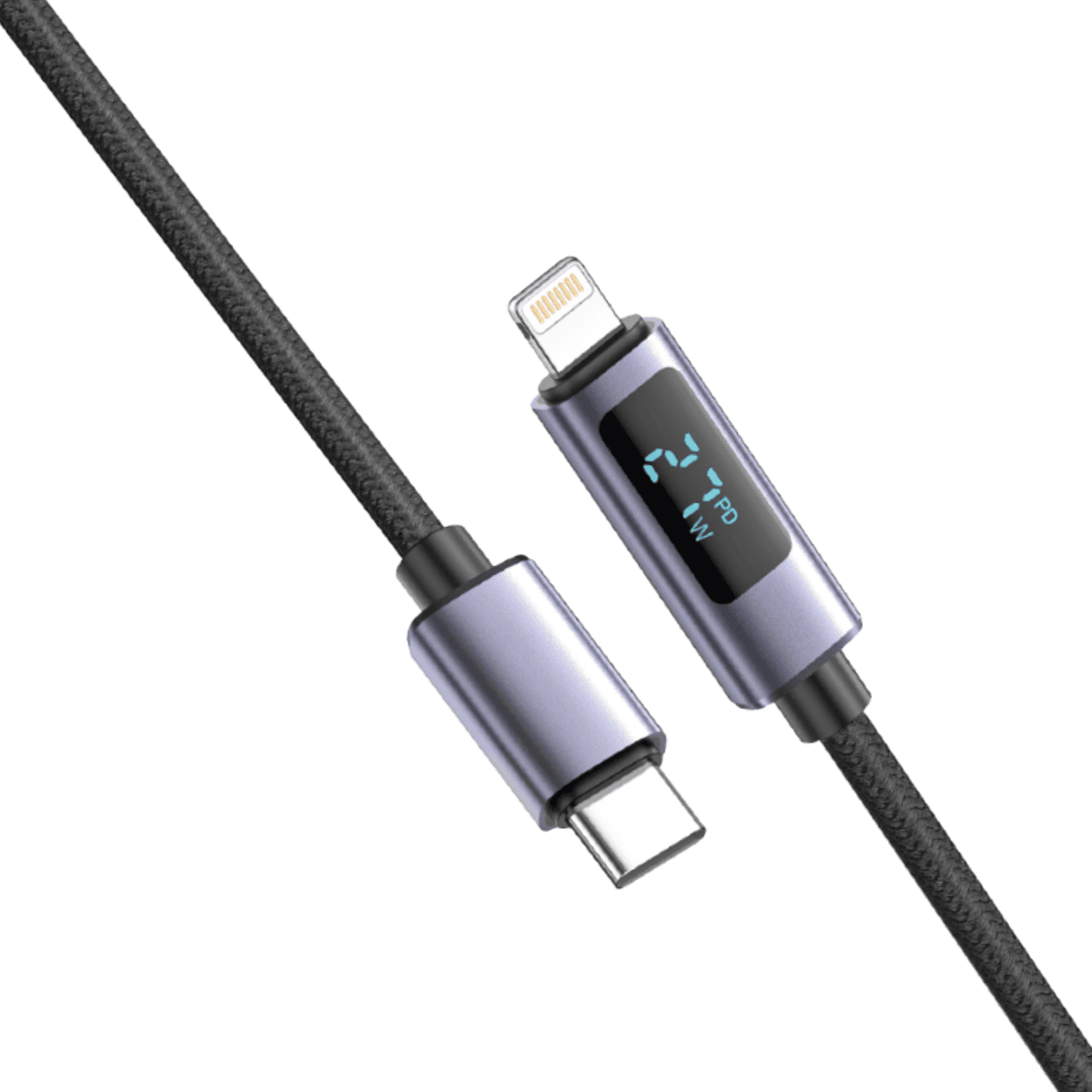
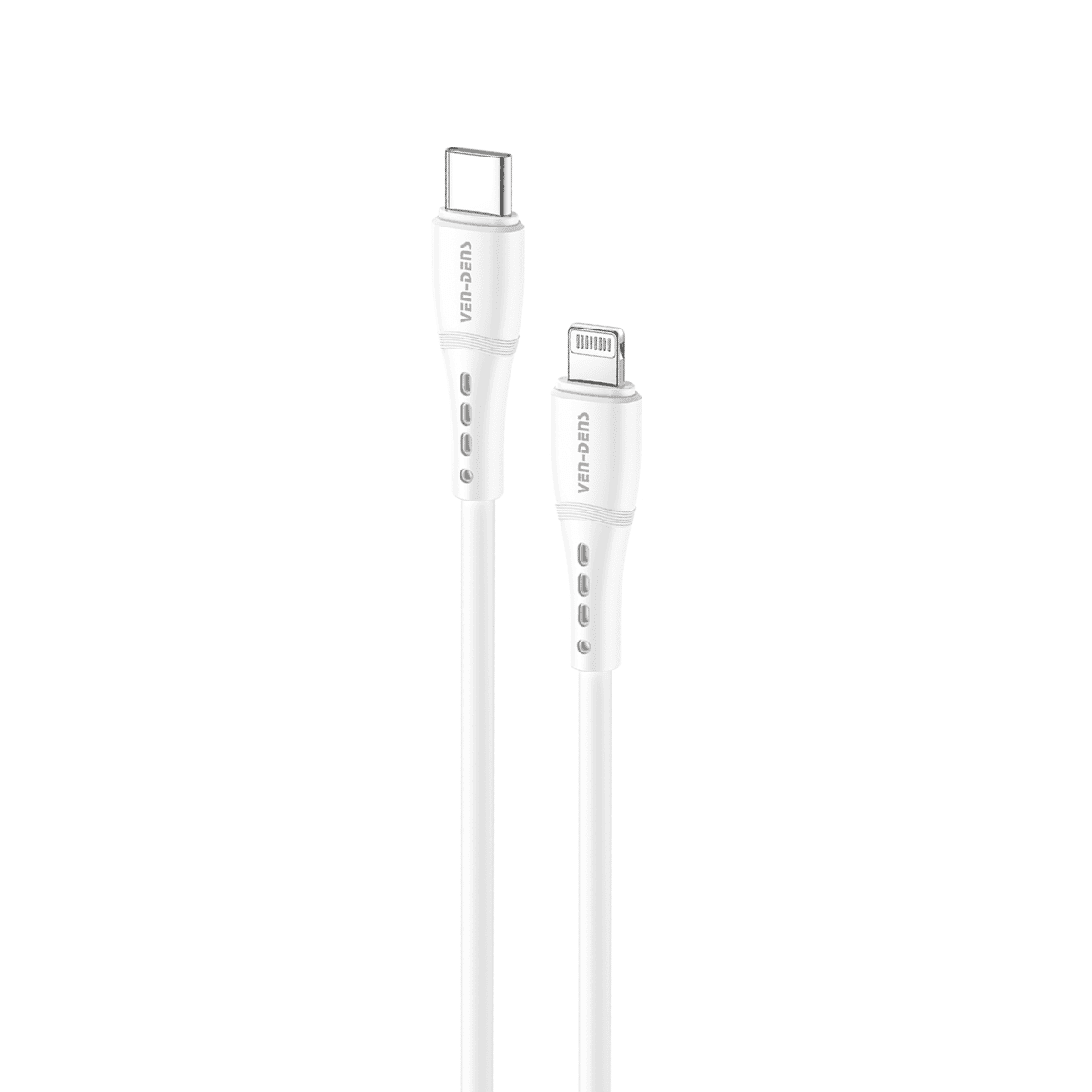
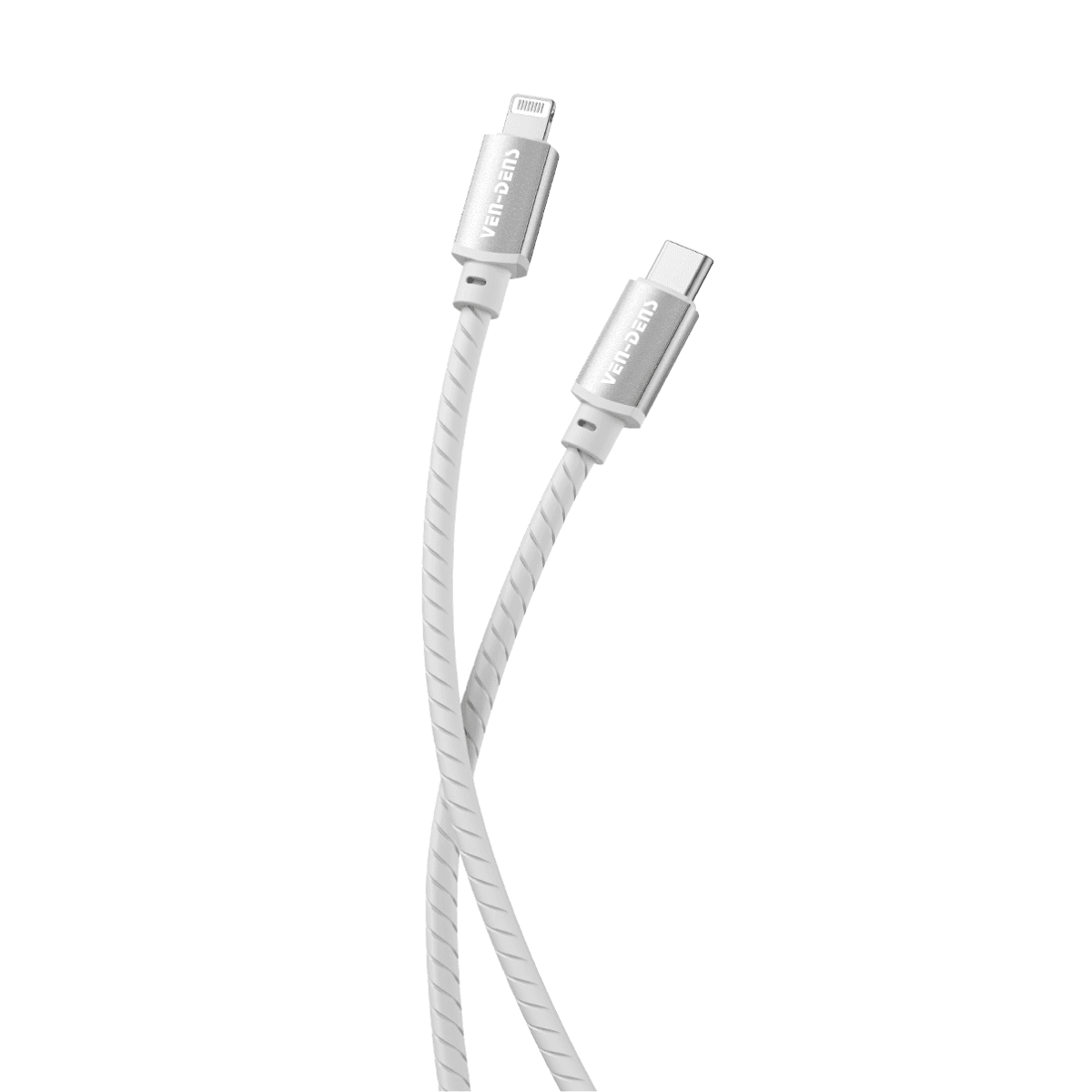
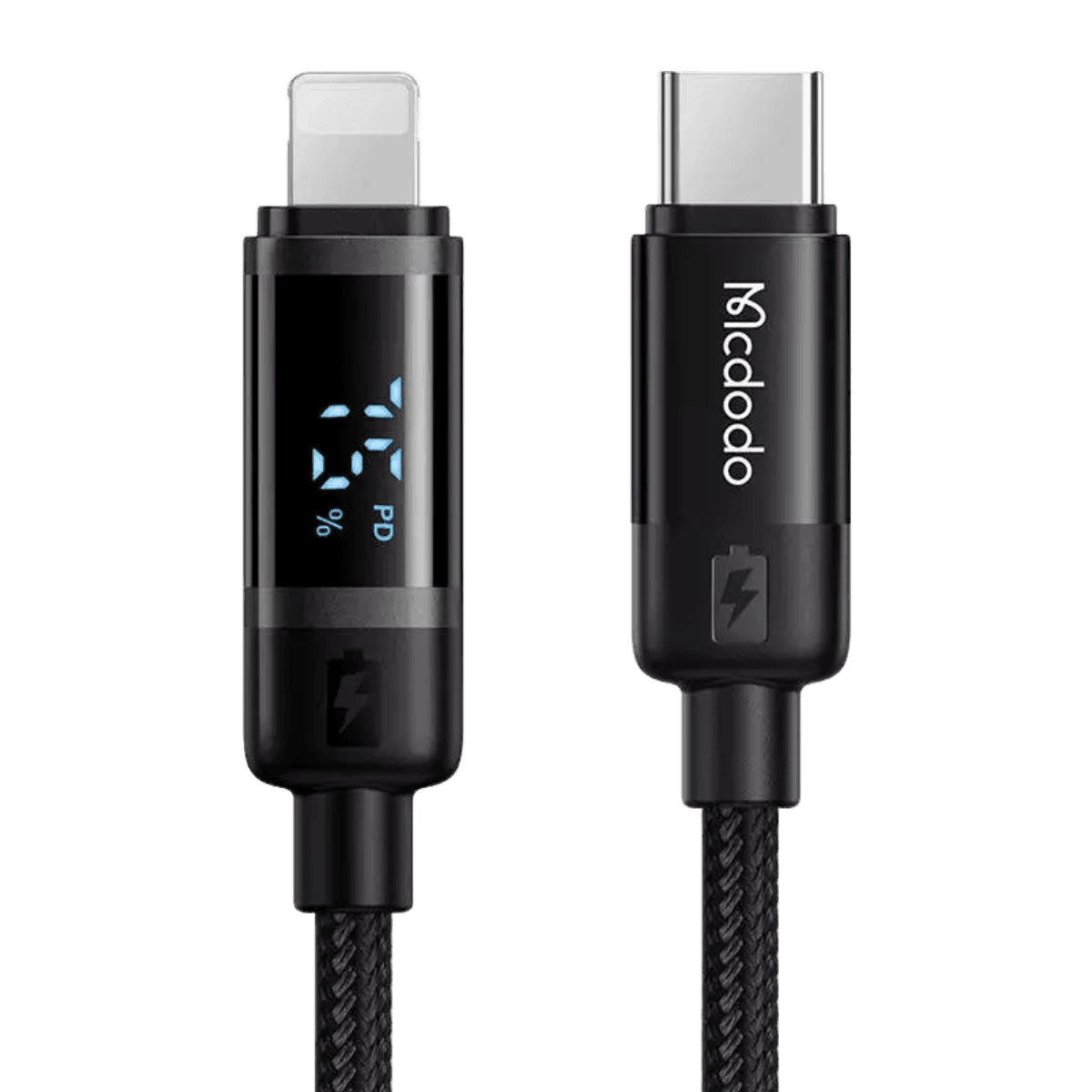
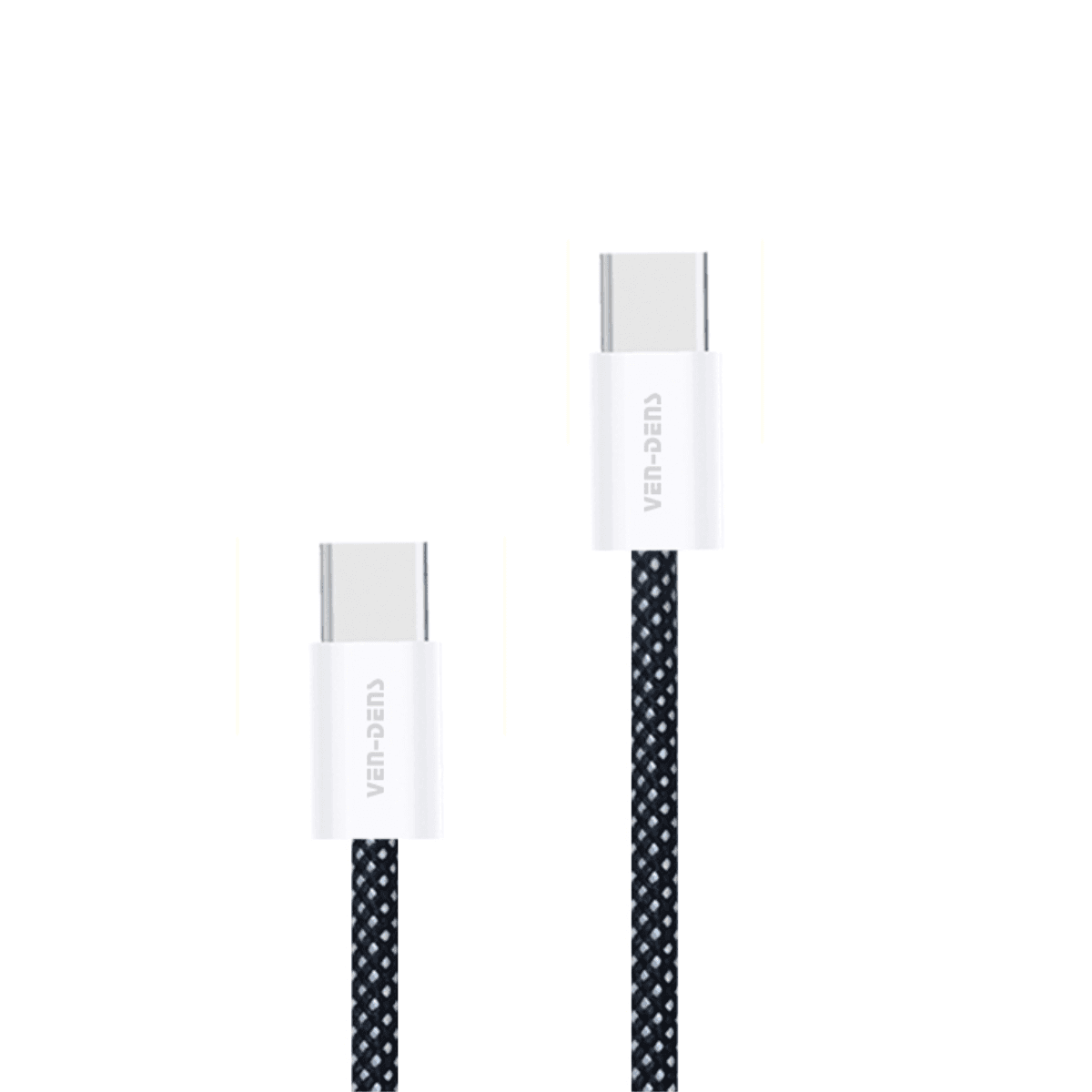
A USB-C to USB-C cable has a Type-C connector at both ends.
This type of cable is commonly used with newer smartphones, tablets, laptops, power banks and USB-C charging equipment.
Zextons carries USB-C to USB-C cables with different listed power ratings, lengths and constructions. Some are designed mainly for charging, while others also support data transfer.
If fast charging is important, do not choose a cable based on the USB-C connector alone. Check the product specification for the cable's supported power and data capabilities.
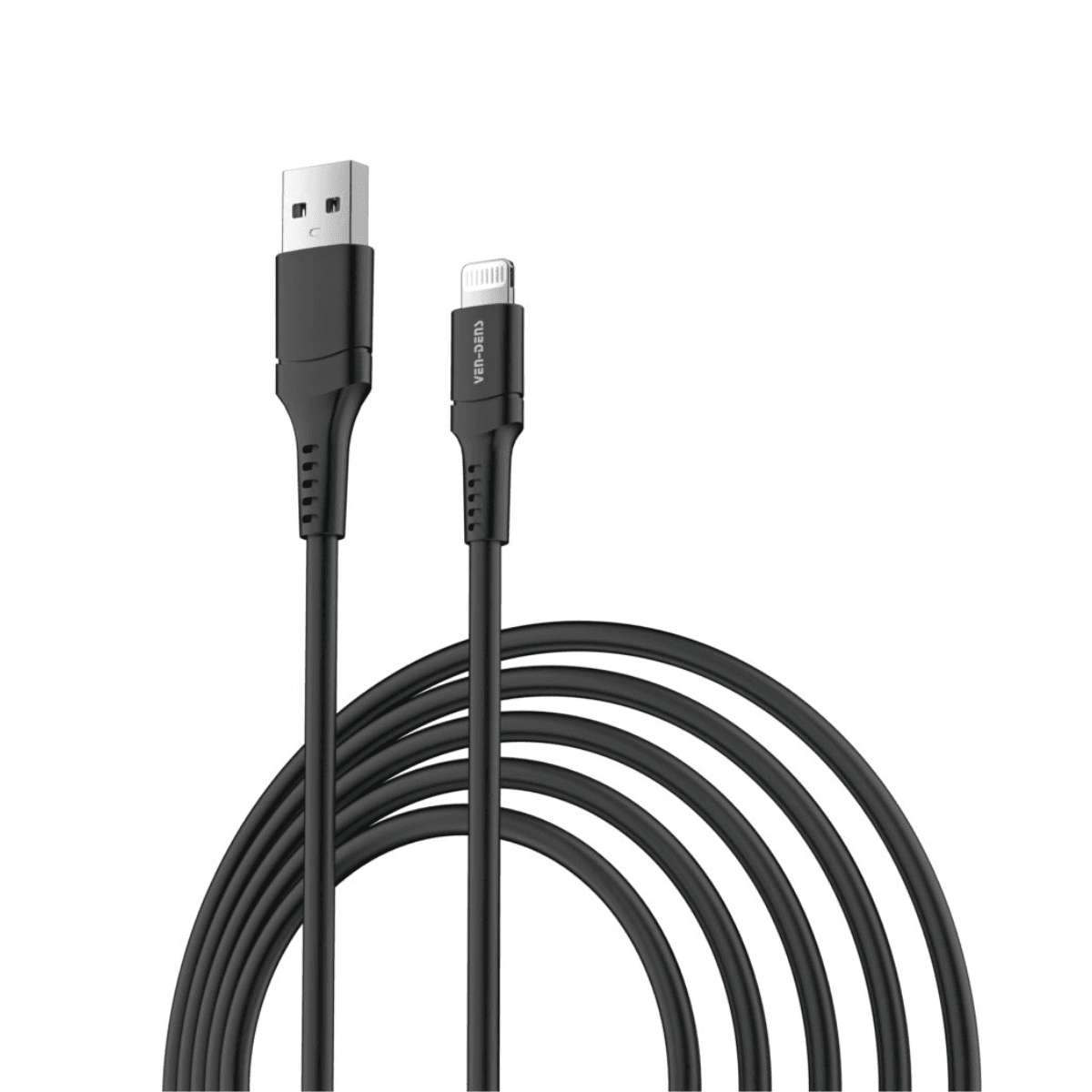
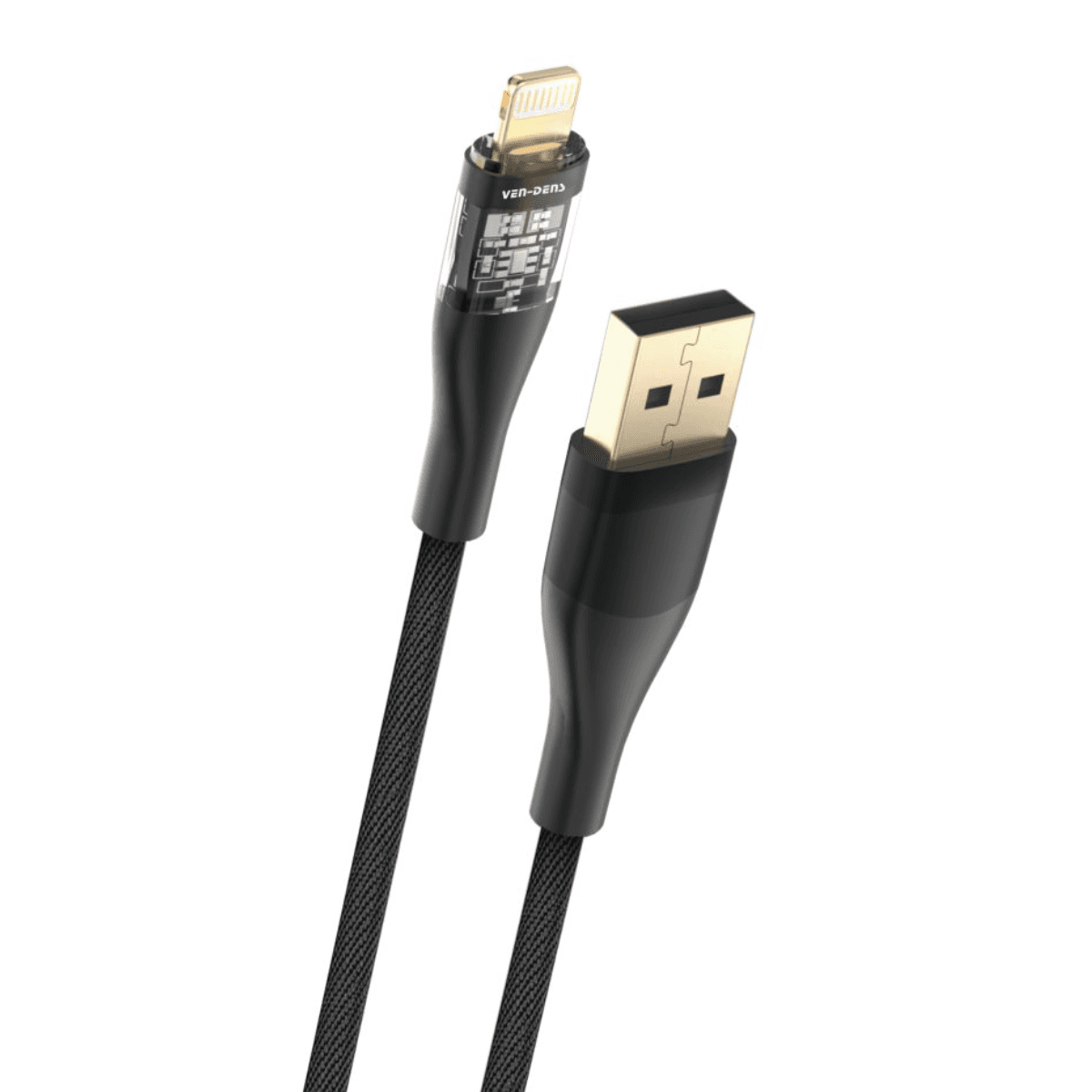
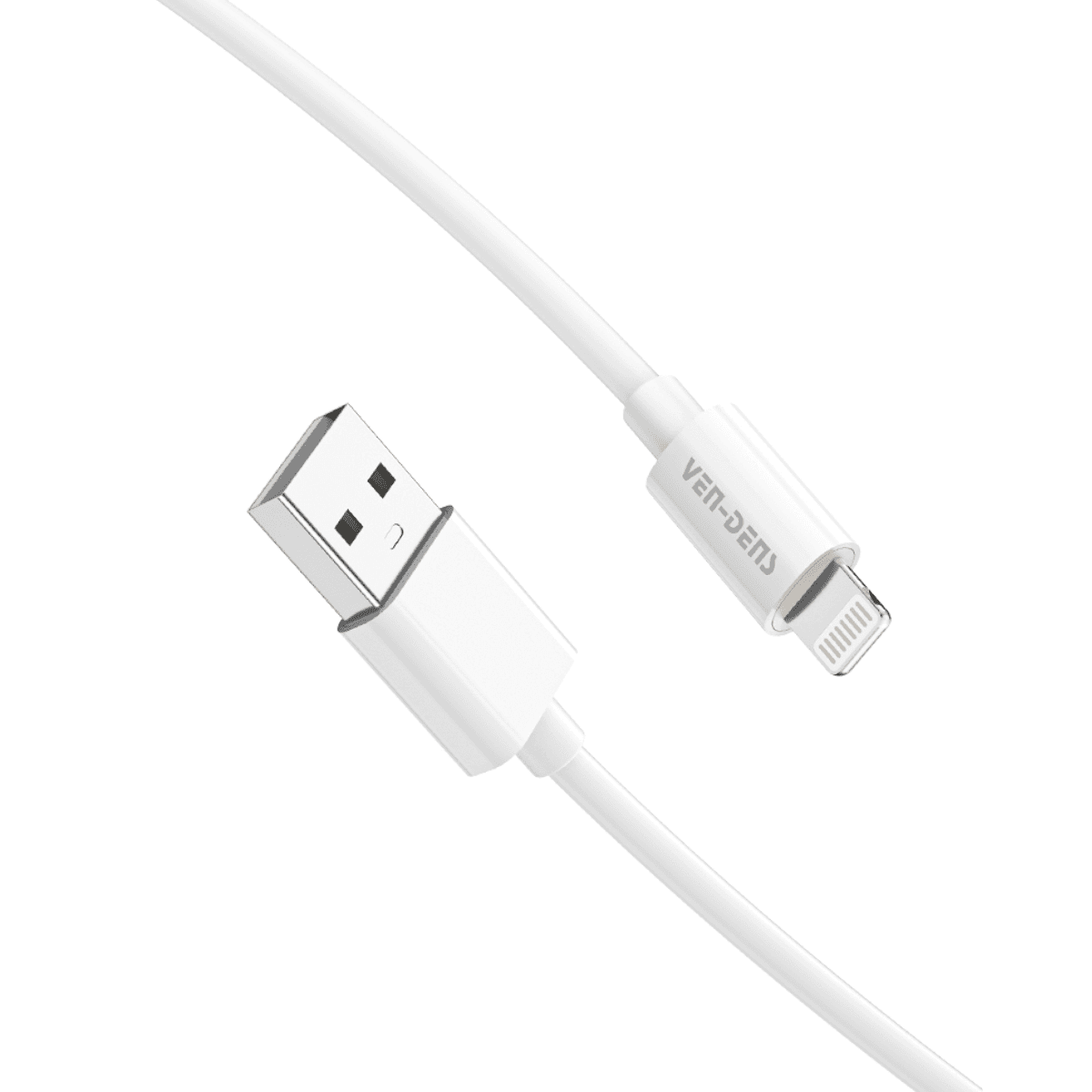
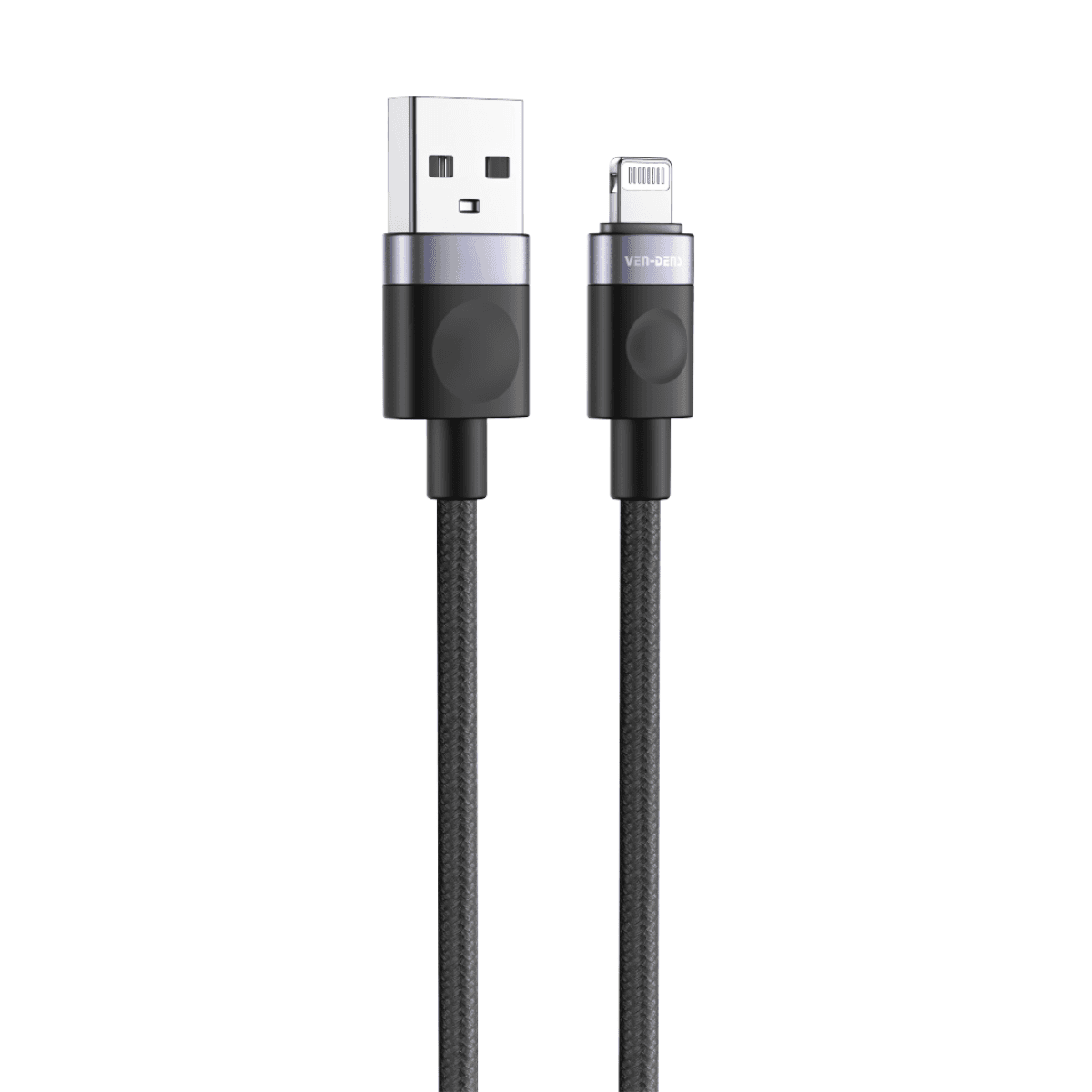
USB-A to USB-C Cables
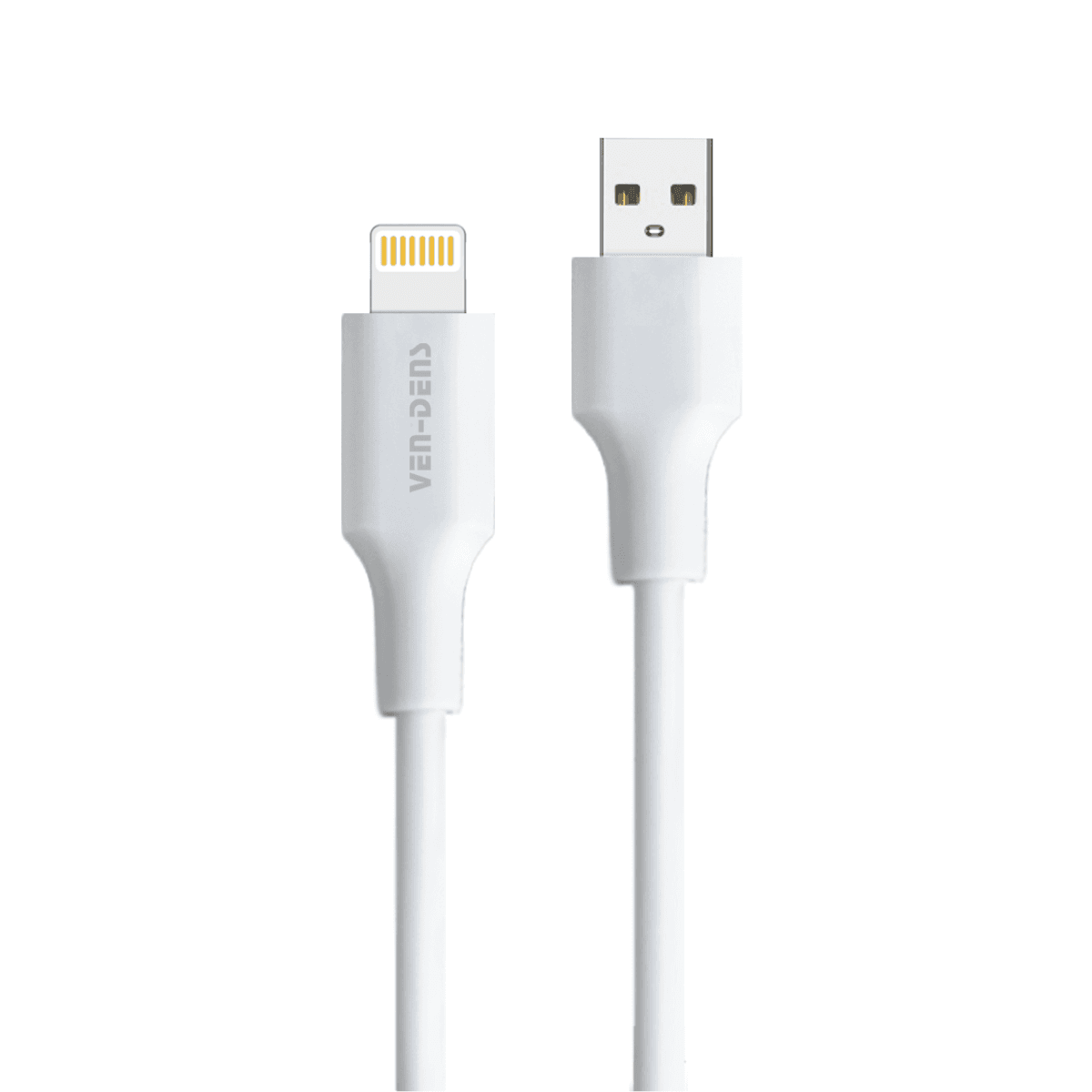
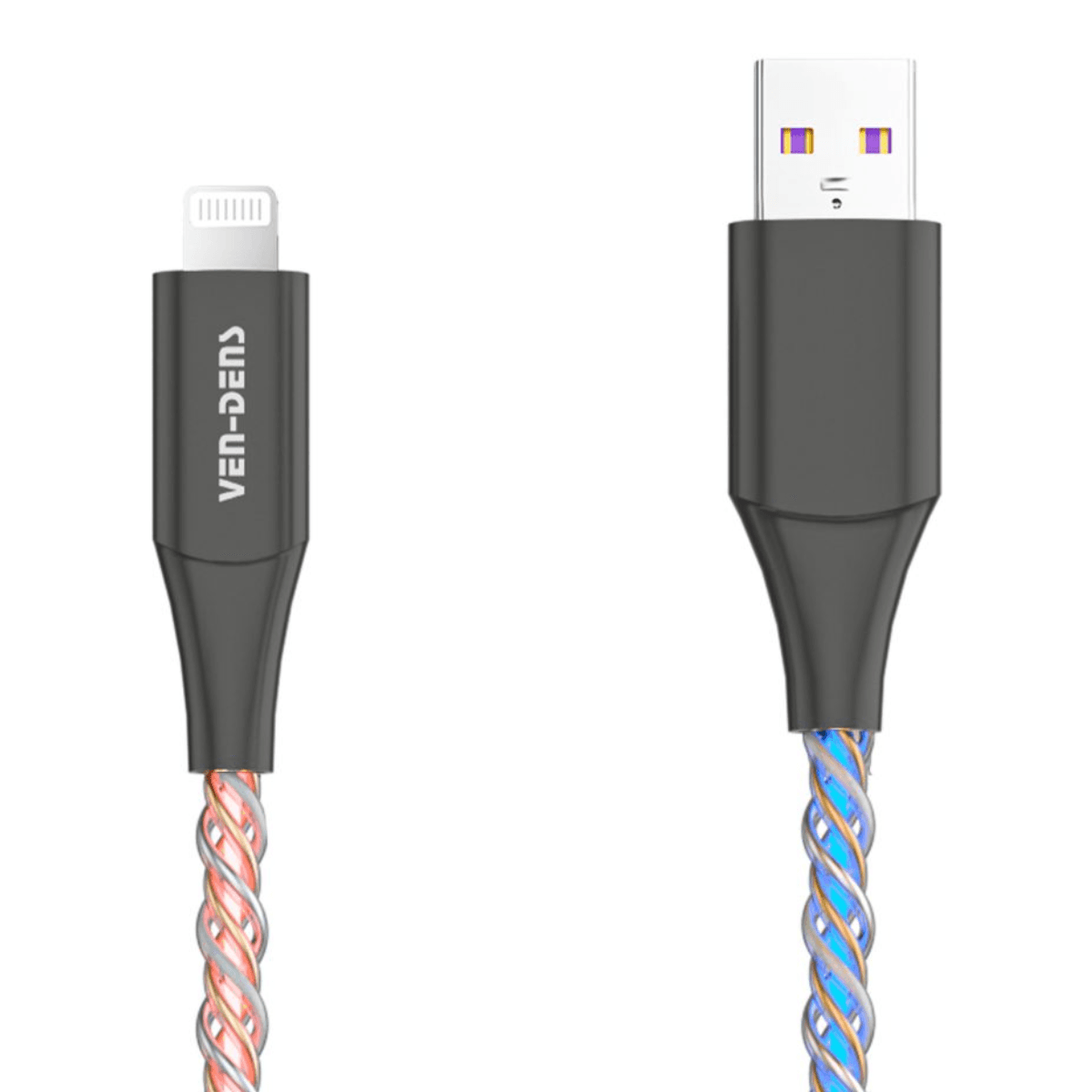
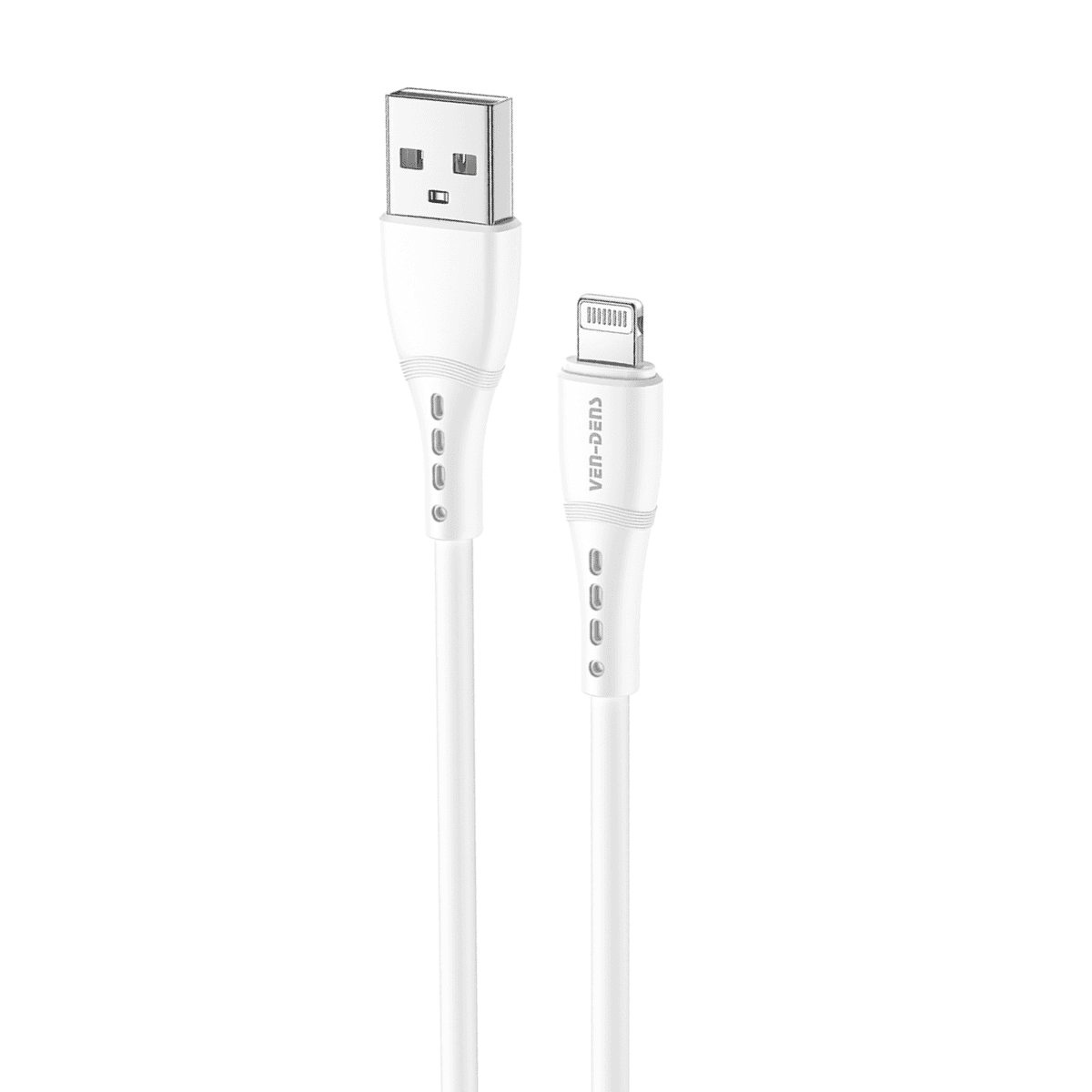
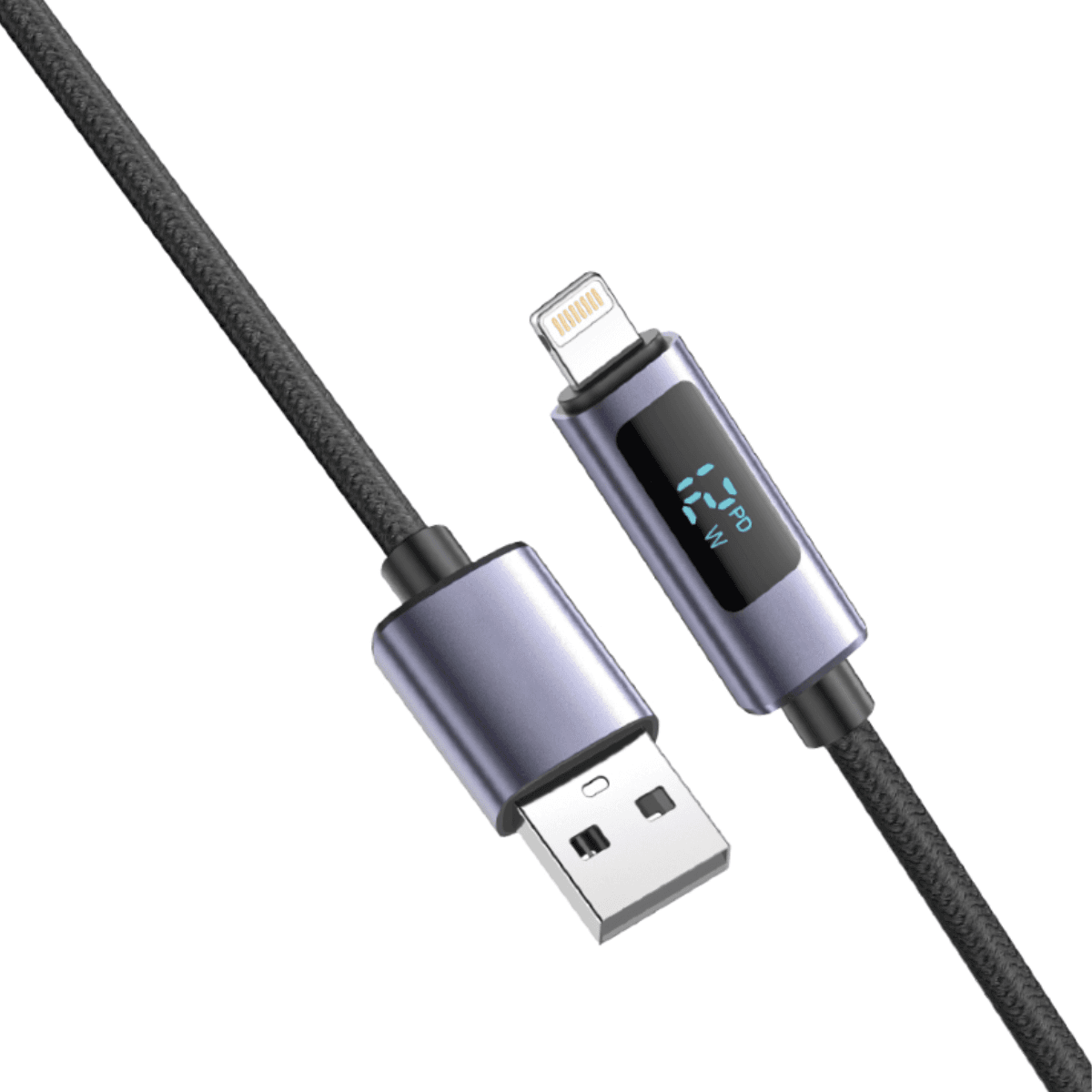
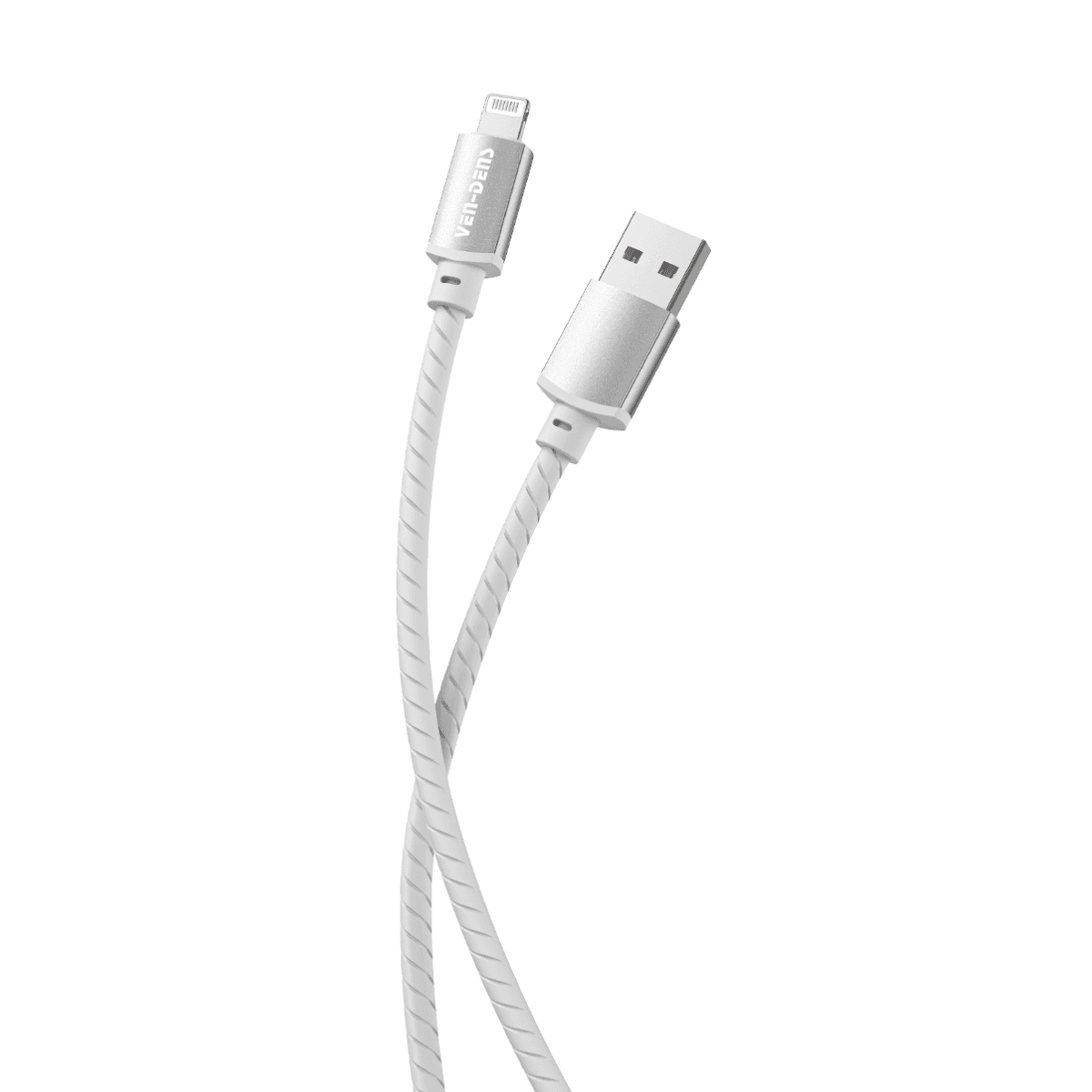
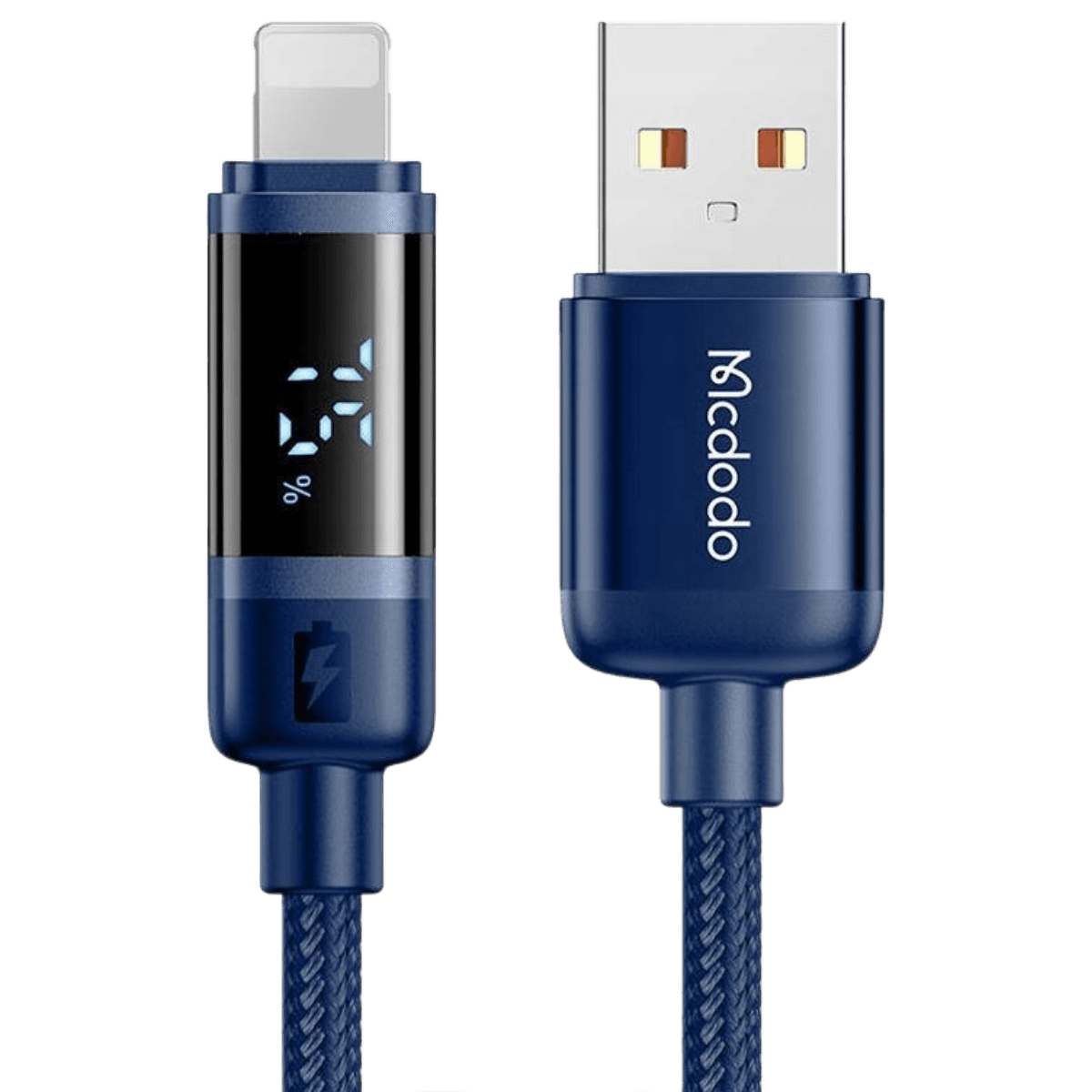
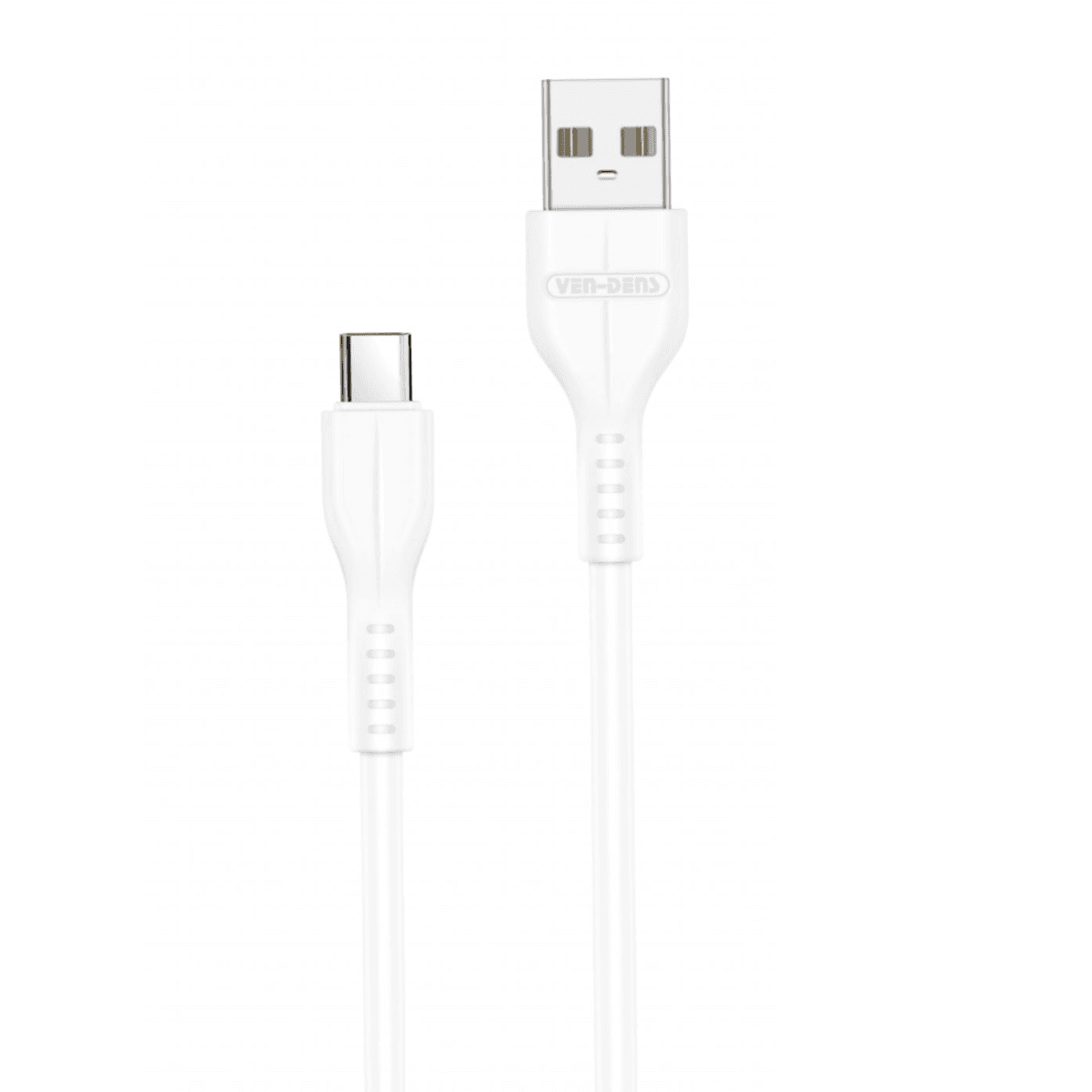
A USB-A to USB-C cable has the traditional rectangular USB-A connector at one end and a USB-C connector at the other.
These cables are useful when your phone, tablet or accessory has a USB-C port but the charger, computer or USB port you are connecting to still uses USB-A.
They can be a practical choice if you have older charging equipment that you do not want to replace.
If you are also looking for a wall charging unit rather than just a cable, browse ourUSB-C and Fast Chargers.
Multi-Connector and 3-in-1 Charging Cables
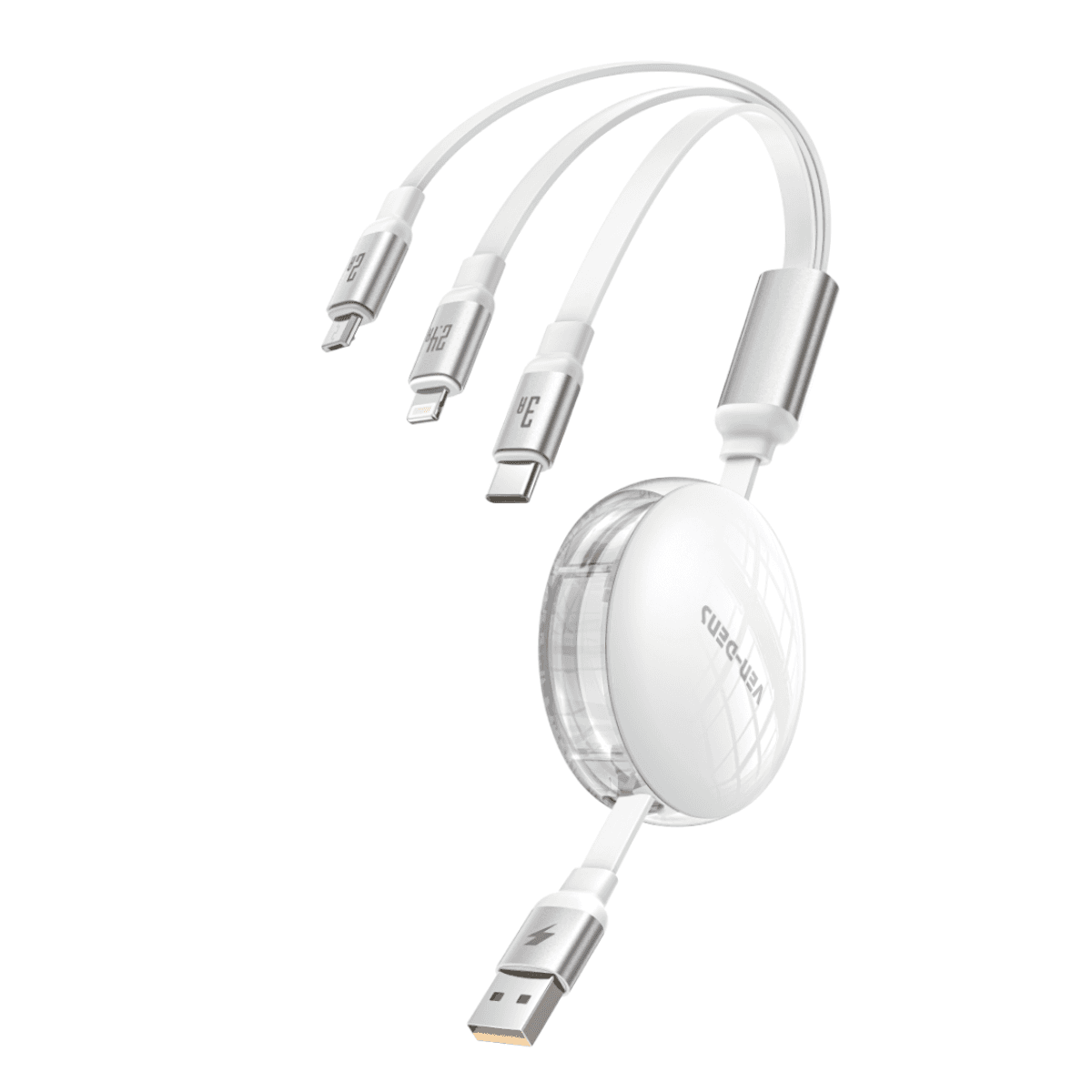
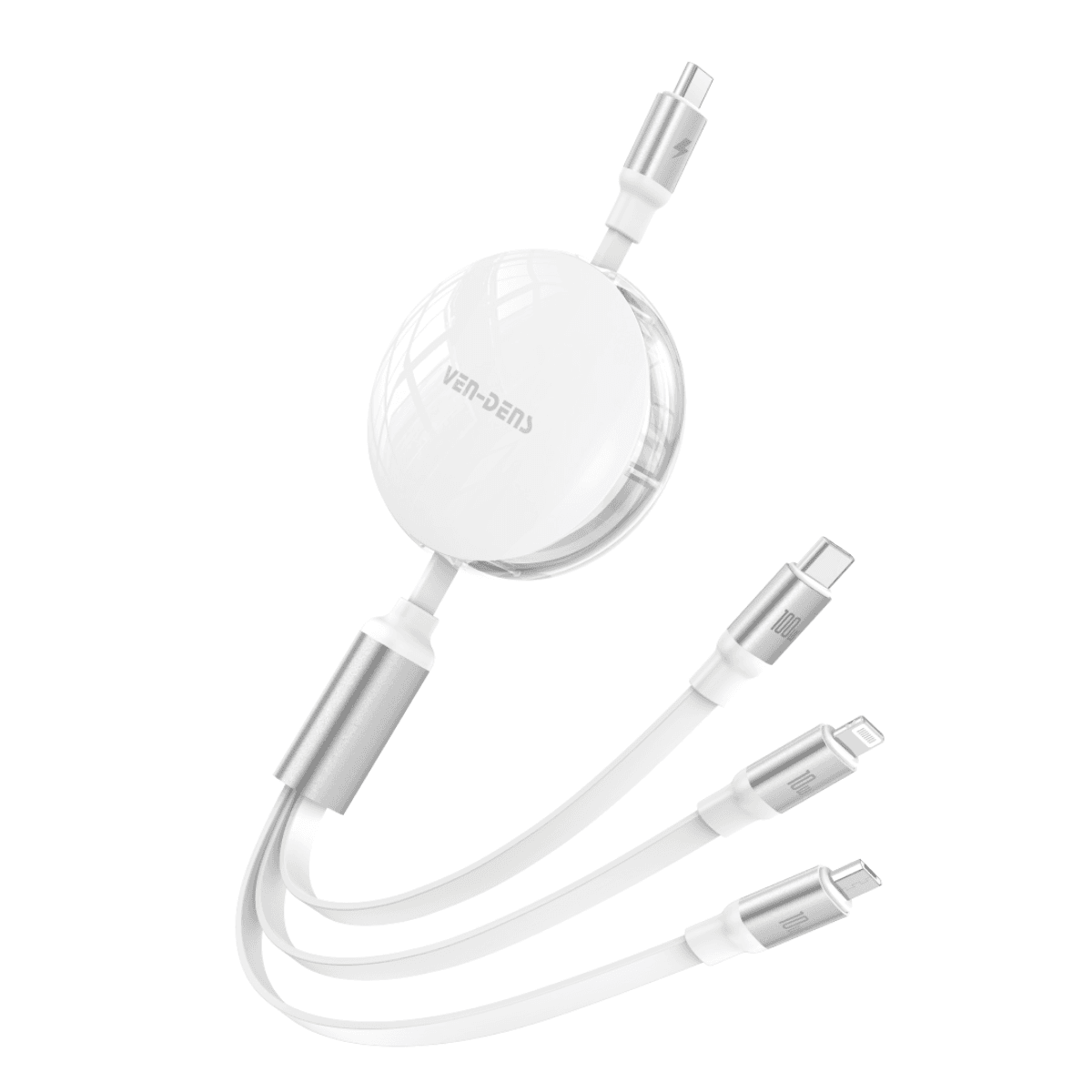
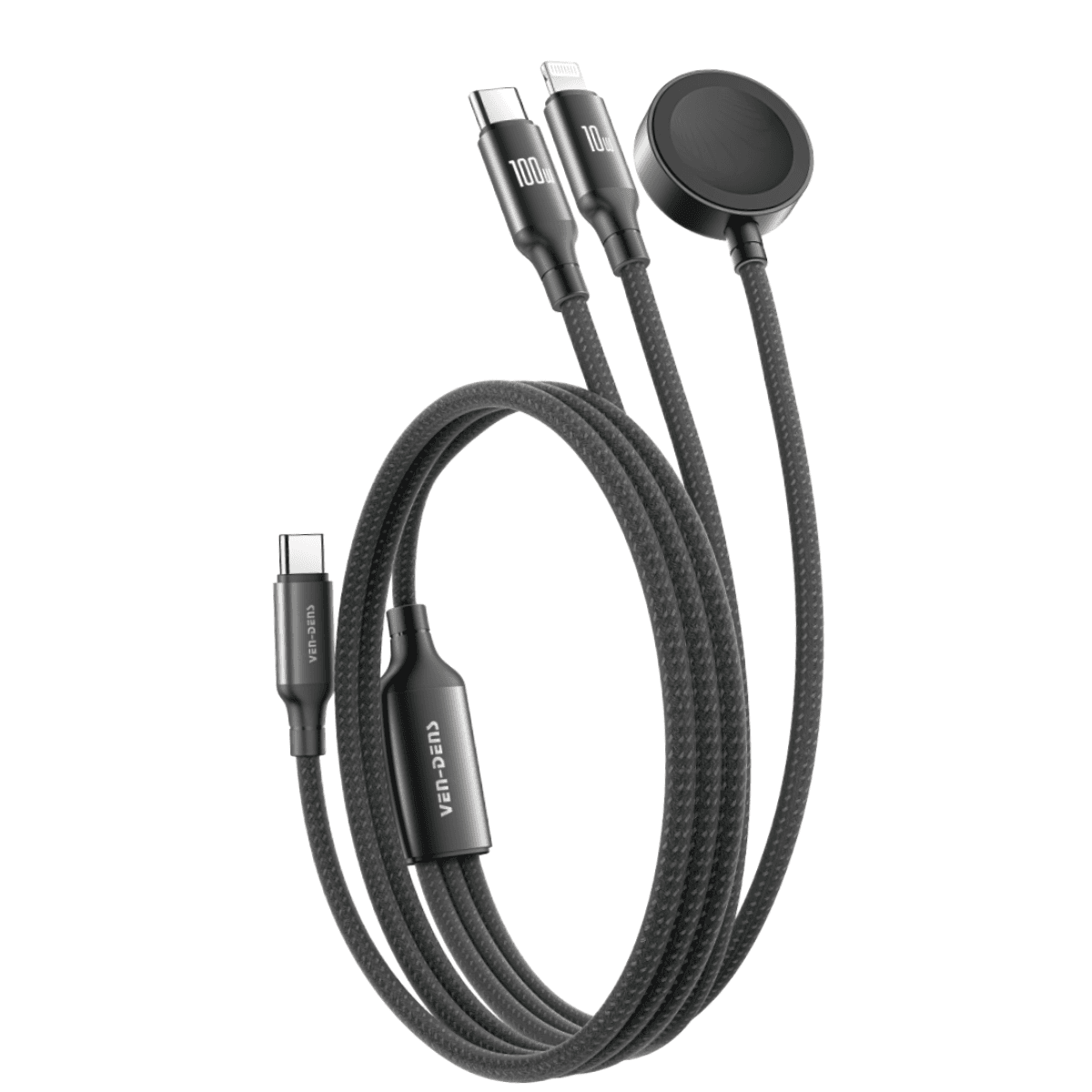
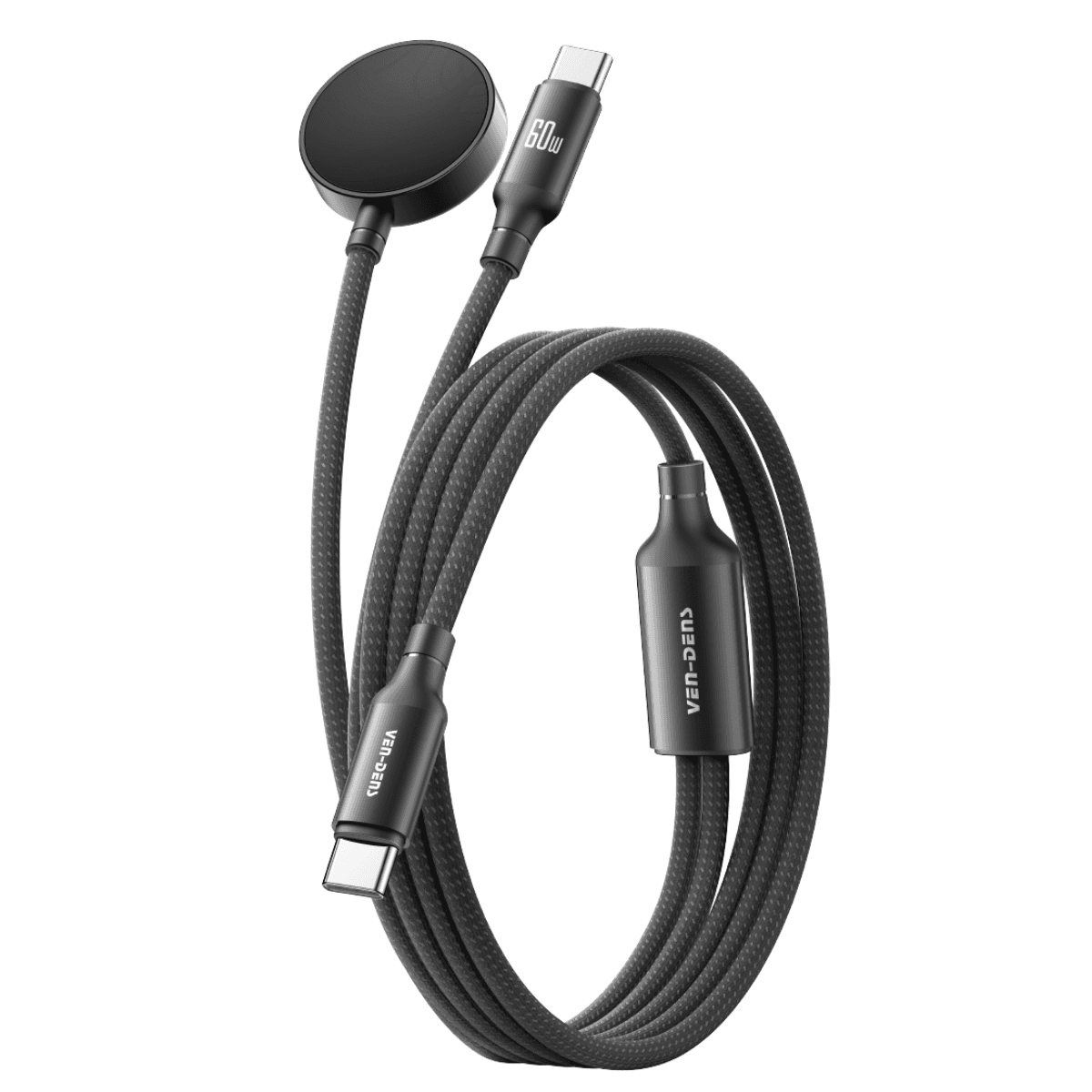
A multi-connector cable is designed to work with more than one connector type.
Depending on the product, a 3-in-1 charging cable may combine USB-C, Micro-USB or other device connectors in one cable.
This can be useful if you regularly charge several types of devices and prefer not to carry separate cables for each one.
Always check the individual product specification because the connectors, charging capability and data support can differ between multi-device cables.
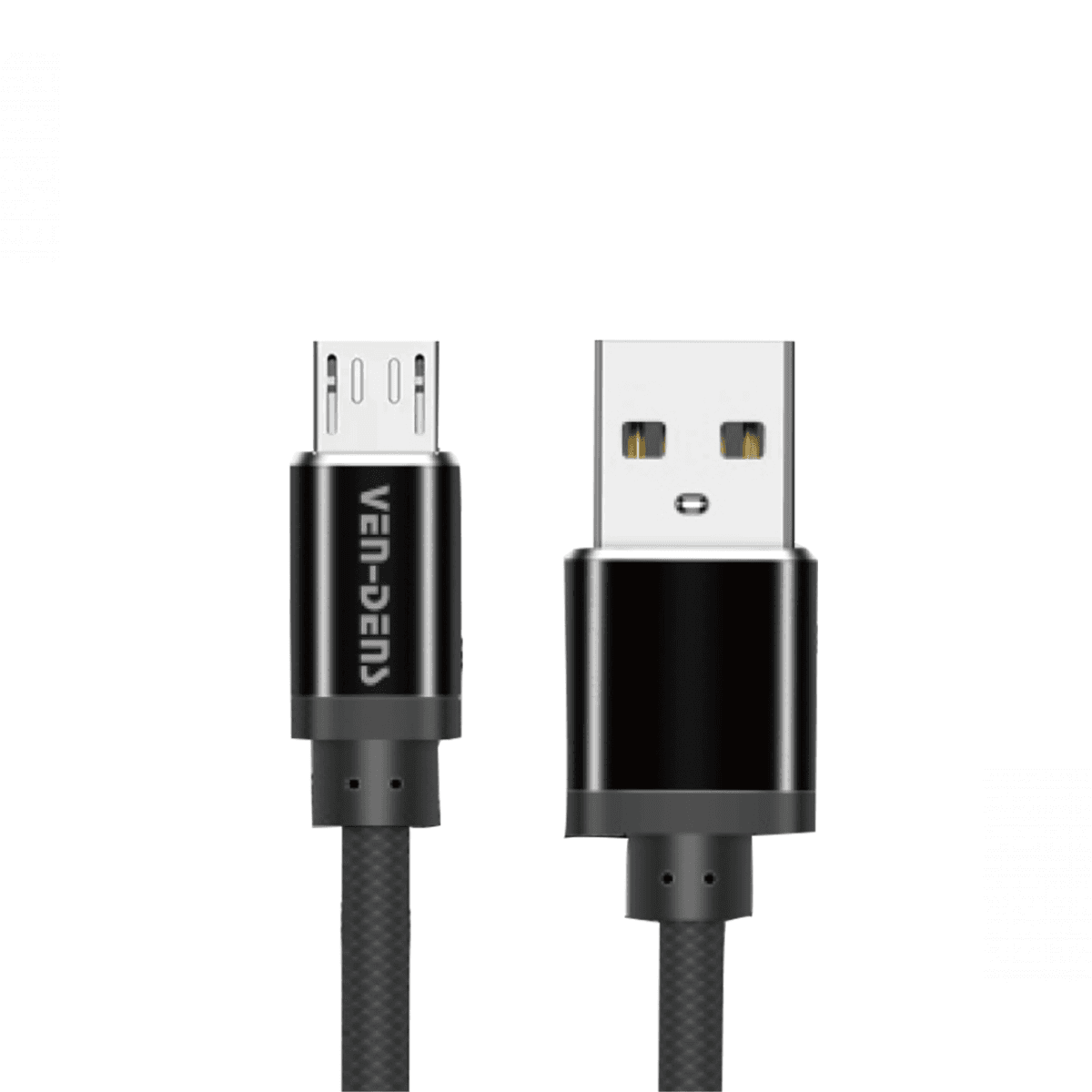
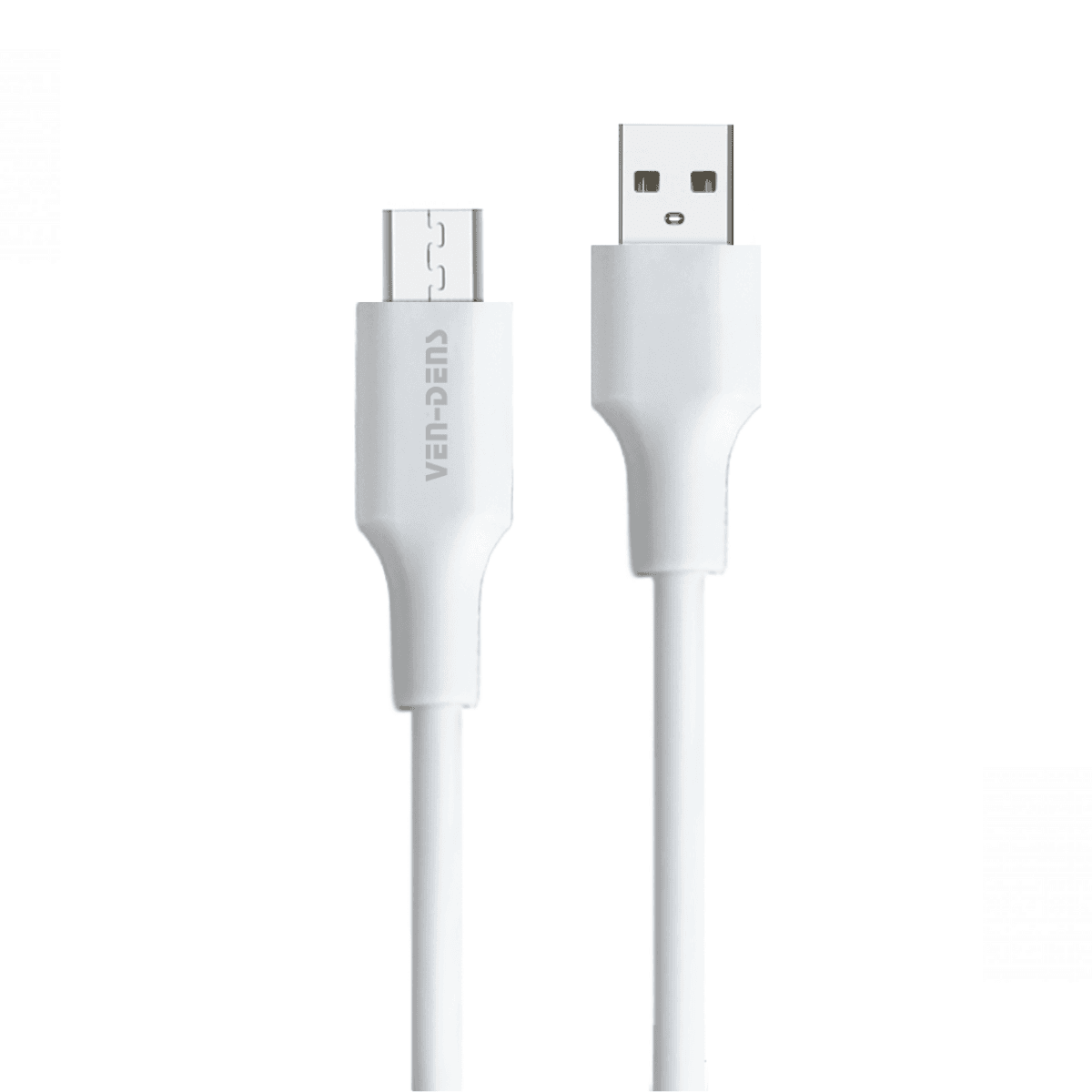
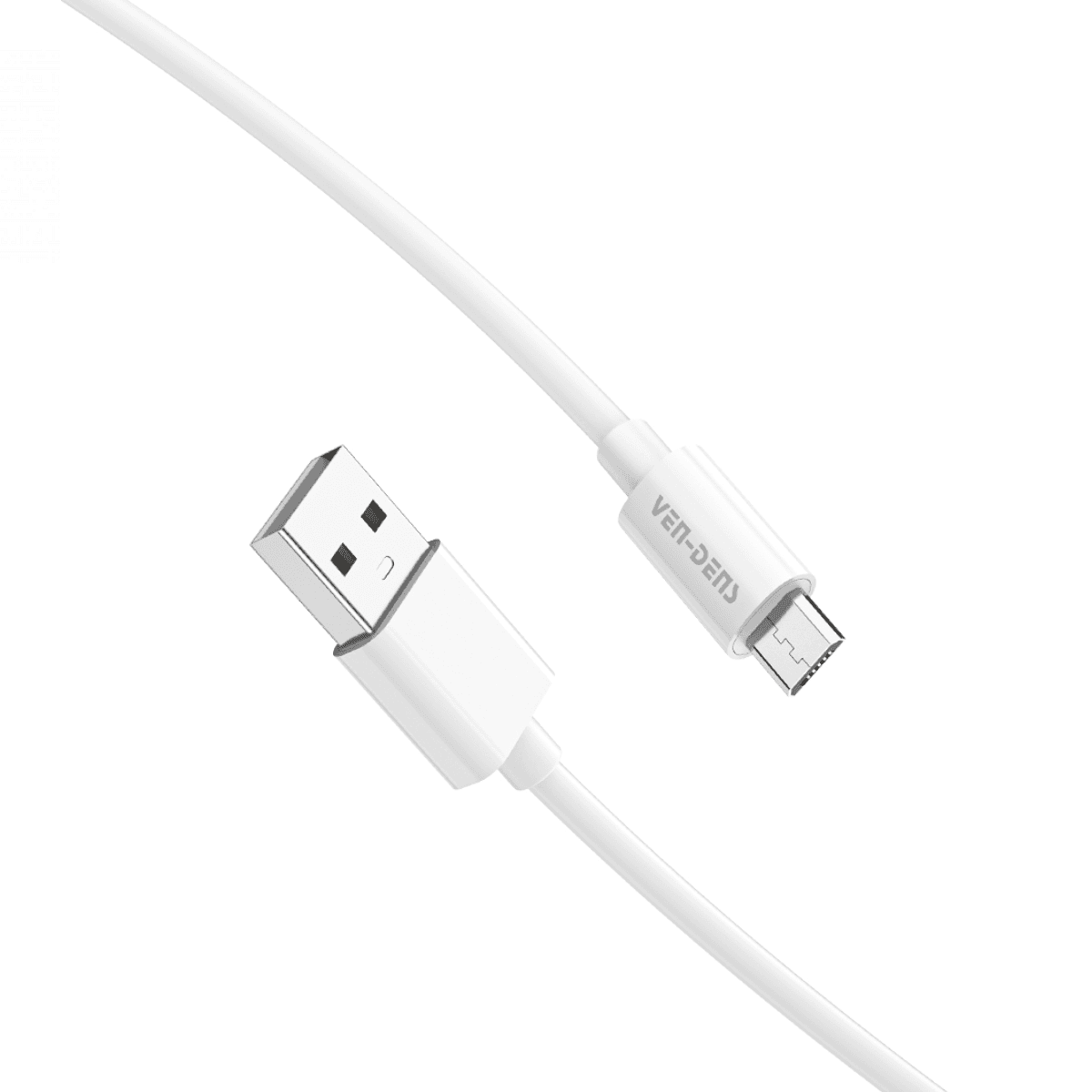
Micro-USB Charging Cables
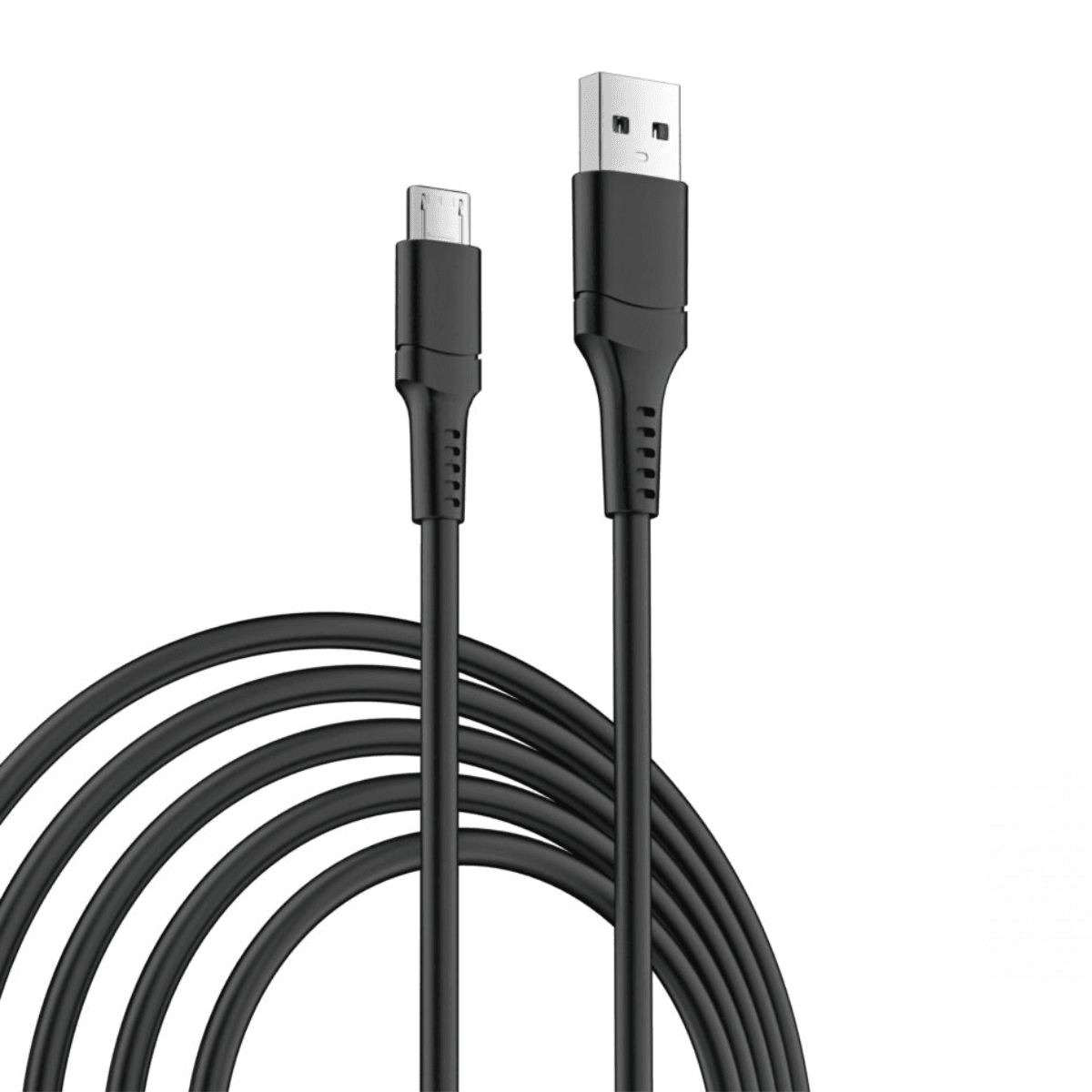
Micro-USB is an older connector that is still used by some phones, accessories, speakers, power banks and other electronic devices.
If your device has a Micro-USB port, choose a cable made specifically for that connector rather than trying to use a USB-C cable.
Zextons carries Micro-USB charging cables in different lengths, making them useful for replacing lost or damaged cables for compatible devices.
Choose the Right Cable for Fast Charging
The connector shape is only one part of a charging setup.
A USB-C cable may support a particular maximum power level, but the actual charging speed depends on the cable, charger and device working together.
A higher-rated cable does not force extra power into a device. Your equipment will charge according to the capabilities supported by the complete charging setup.
60W USB-C Charging Cables
USB-C cables listed with support around 60W can be suitable for a range of compatible phones, tablets and other USB-C devices.
However, the actual power delivered depends on the charger and device as well as the cable.
Check the individual listing before ordering, particularly if you need a specific charging standard or data-transfer speed.
100W and Higher-Power USB-C Cables
Higher-rated cables can be useful for equipment with greater USB-C power requirements, including compatible tablets, laptops and power banks.
Choosing a cable with a higher supported rating can also make sense if you use the same cable across several compatible devices.
The supported rating describes the cable's capability. It does not mean every connected device will charge at that power level.
240W USB-C Cables
Some USB-C cables are designed for charging setups with very high supported power ratings.
A 240W USB-C cable can still be used with compatible lower-power devices. The phone, tablet, laptop or other device will only draw the power supported by the overall charging system.
If you are buying a high-power cable for a laptop or another demanding USB-C device, check both the charger output and the device's charging requirements.
Charging Speed and Data Transfer Are Different
A cable's charging capability and its data-transfer capability are not the same thing.
Two USB-C cables may use identical connectors but offer different:
charging power
data-transfer speeds
supported charging protocols
construction
lengths
additional features
For example, a cable designed for high-power charging does not automatically provide the fastest available data-transfer speed.
Similarly, a cable capable of transferring data may not necessarily support the charging power required by a laptop or other high-power device.
If you need a cable for both charging and data transfer, check both specifications before ordering.
This is particularly important when connecting a smartphone to a computer, transferring files or using a cable with professional equipment.
Choose a Charging Cable for Your Device
The right cable depends on the ports available on your device and charger.
iPhone Charging Cables
Different Apple iPhone generations can use different charging connectors.
Newer iPhone generations use USB-C, while older devices may use a different Apple connector. Before ordering, check the exact iPhone model and charging port.
If you are also comparing Apple phones, browse ourApple iPhones.
For newer USB-C iPhones, you may need:
USB-C to USB-C when using a USB-C charger.
Or:
USB-A to USB-C if the charging source uses a USB-A port.
Always match both ends of the cable to the equipment you intend to use.
Samsung and Android Charging Cables
Many modern Samsung Galaxy and Android smartphones use USB-C.
Depending on your charger, you may need either a USB-C to USB-C or USB-A to USB-C cable.
Older Android devices and accessories may still use Micro-USB, so checking the actual port is more reliable than choosing based only on the brand.
USB-C Cables for Tablets and Laptops
USB-C is also widely used across tablets and laptops.
These devices can require higher charging power than a typical smartphone, so the cable's supported power rating becomes particularly important.
If you need a cable for a laptop, check:
device charging requirement
charger output
cable power rating
connector type
required length
data-transfer needs
Do not assume that every USB-C phone cable is suitable for charging every USB-C laptop.
Choose the Right Cable Length and Material
Charging cables are available in different lengths and constructions because the best option depends on where and how you use them.
1m and 1.5m Charging Cables
Shorter cables are useful for desks, bedside chargers, power banks and situations where the charging source is close to the device.
They can also help keep your charging setup more organised.
2m and 3m Charging Cables
Longer cables provide more flexibility when the socket, charger or USB port is further away.
A longer charging cable can be useful beside a bed, sofa or workstation where additional reach is more important.
Always check the cable's specifications rather than assuming all lengths provide identical charging and data performance.
Braided vs Silicone Charging Cables
Both braided and silicone-style charging cables can be useful depending on your preferences.
Braided cables are often chosen by users who want a more textured outer construction.
Silicone or smooth-finish cables may appeal to users who prefer a softer and more flexible feel.
There is no single material that is automatically right for every buyer. Consider how frequently the cable will be carried, bent or used around a desk or charging station.
Check Compatibility Before You Buy
Checking compatibility before ordering can prevent one of the most common charging-cable problems: buying the right-looking cable with the wrong connector or capabilities.
Start with five things.
1. Check your device port
Identify whether your device uses USB-C, Micro-USB or another connector.
2. Check the charger port
A USB-C charger requires a different cable connection from an older USB-A charging port.
3. Check the power requirement
If fast charging or laptop charging is important, check the cable's stated supported power alongside the charger and device requirements.
4. Check whether you need data transfer
If you plan to move files as well as charge, confirm that the cable supports the data capability you need.
5. Choose the right length
Think about the distance between your charging source and where you normally use the device.
Following these checks is more reliable than choosing a charging cable only because the connector looks correct.
If you need an adapter for audio, displays or another connection type rather than a charging cable, explore ourUSB-C Audio & Video Adapters.
Charging Cables for Travel and Multiple Devices
If you regularly carry several devices, reducing the number of cables in your bag can make charging more convenient.
A multi-connector or 3-in-1 cable may suit users who travel with devices using different charging ports.
For phones, earbuds, smart accessories and other lower-power electronics, having the correct connector available can be more important than carrying several separate cables.
If you also need portable power away from a wall socket, explore ourPower Banks.
Why Buy Charging Cables from Zextons?
Choosing a charging cable online should involve more than selecting the first cable with the correct connector.
Zextons offers a range of USB-C, USB-A to USB-C, Micro-USB and multi-device charging cables across different lengths, designs and specifications.
The product grid above allows you to compare current availability, listed power ratings, connector configurations and other product details before ordering.
Zextons also offers free next-day UK delivery and a 30-day returns period.
You can review ourUK Shipping Information and30-Day Returns Policy before placing an order.
If you want to check feedback from other buyers, visit ourCustomer Reviews.
Frequently Asked Questions About USB-C and Charging Cables
Are all USB-C cables the same?
No. USB-C cables can use the same connector shape while supporting different charging power, data-transfer speeds and features. Check the cable specification rather than assuming that every USB-C cable performs in the same way.
Are all USB-C cables fast charging?
No. Fast charging depends on the cable, charger and device all supporting a compatible charging setup. A USB-C connector by itself does not guarantee a particular charging speed.
Is Type-C the same as USB-C?
Yes. USB Type-C and USB-C commonly refer to the same reversible connector design. Product listings may use either term, so a Type-C charging cable and USB-C charging cable can describe the same connector type.
What is the difference between USB-A to USB-C and USB-C to USB-C?
A USB-A to USB-C cable has a traditional rectangular USB-A connector at one end and USB-C at the other. A USB-C to USB-C cable has USB-C connectors on both ends. Choose according to the ports on your charger and device.
Does USB-C cable wattage matter?
Yes, particularly for devices that require higher charging power. The cable must support the needs of the charging setup, but the final charging rate also depends on the charger and device. A higher cable rating does not force a device to use more power than it supports.
Can a USB-C cable transfer data as well as charge?
Many USB-C cables support both charging and data transfer, but their capabilities can vary considerably. Check the individual product specification if data speed is important because a high charging rating does not automatically mean high-speed data transfer.
Can I use a 240W USB-C cable with a phone?
A compatible higher-rated USB-C cable can generally be used with a lower-power phone. The cable rating represents its maximum supported capability. The connected device and charger determine the power actually used.
Does charging cable length affect charging speed?
Cable length and construction can influence electrical resistance and performance, but a correctly specified cable should operate within its stated capabilities. If fast charging is important, choose a suitable rated cable rather than deciding by length alone.
Which charging cable do I need for my phone?
Check the charging port on your phone and the port on your charger. If both use USB-C, choose a USB-C to USB-C cable. If your charger uses USB-A and your phone uses USB-C, choose USB-A to USB-C. Older devices may require Micro-USB or another compatible connector.
Brand New USB Plugs And Cables (110)
.png&w=3840&q=75)
.png&w=3840&q=75)
.png&w=3840&q=75)



Showing 73 to 108 of 110 results