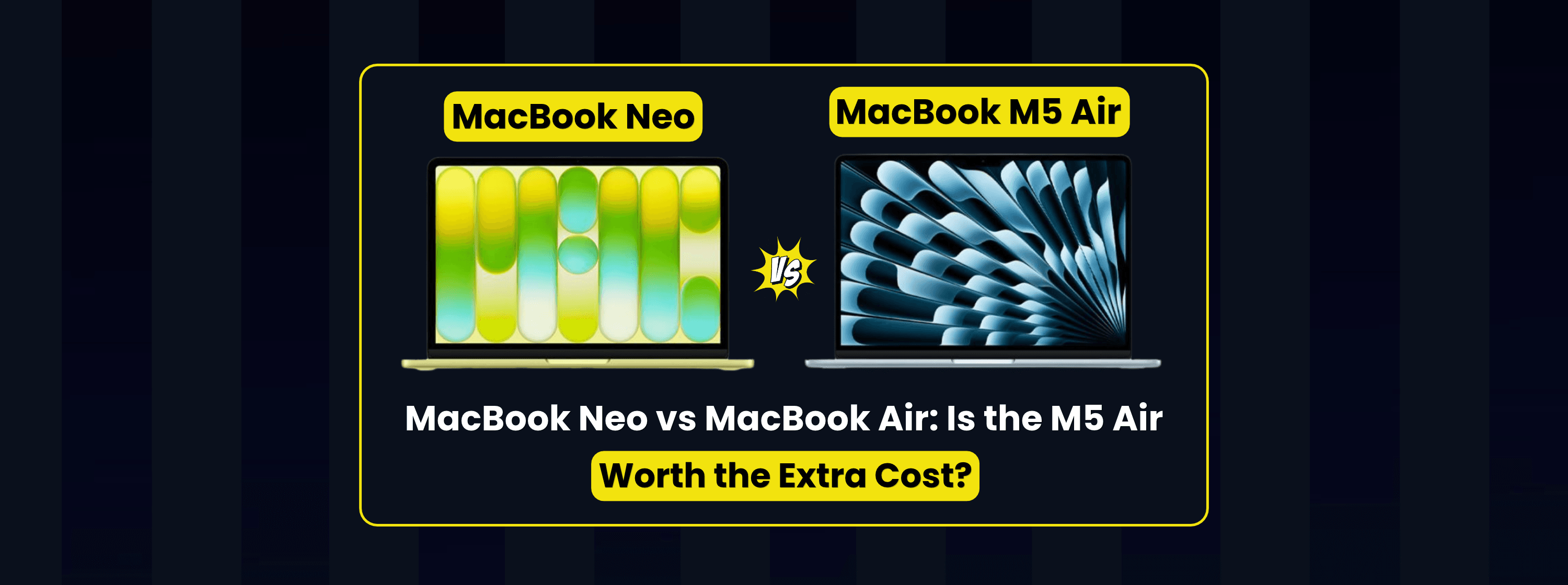

MacBook Neo vs MacBook Air: Is the M5 Air Worth the Extra Cost?
Is the MacBook Air M5 worth paying more for? Compare two 512GB MacBooks on performance, battery life, display quality and the features you'll use every day.

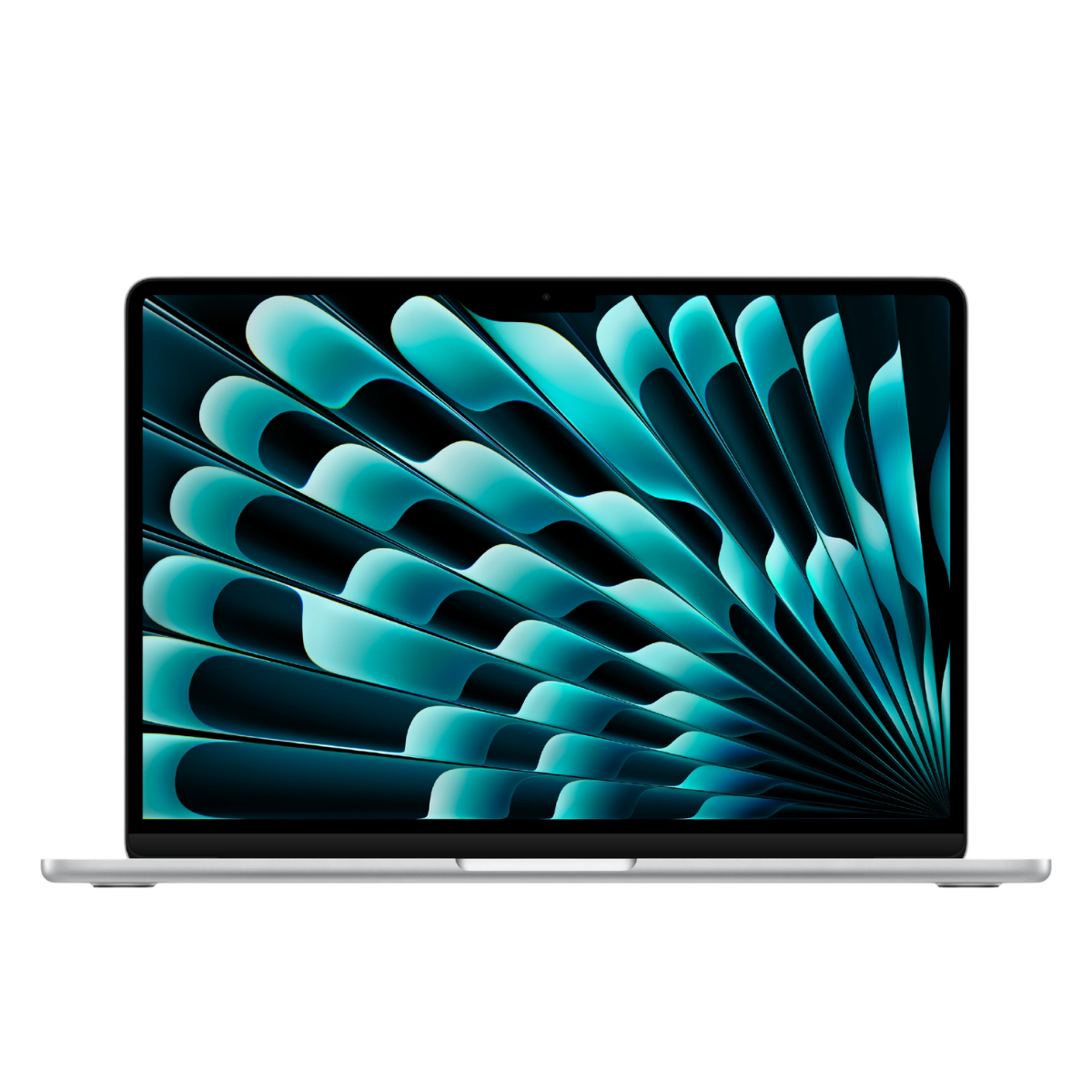
The MacBook Neo is the better-value choice for everyday work such as browsing, writing assignments, streaming and answering emails. The 13-inch MacBook Air M5 is worth the extra cost if you regularly run demanding apps together, edit video or need two external monitors. Both weigh 1.23kg, so choosing the more powerful laptop adds no weight to your bag.
Browsing, writing, streaming, email and one external monitor.
Video exports, heavy multitasking and a two-monitor desk.
On 19 November 2026, Zextons listed the 512GB MacBook Neo at £749.99 and the 512GB MacBook Air M5 at £1,149.99, with one colour of each available. That's a £400 difference at the same storage capacity. What you get for the extra money is more memory, faster performance, longer battery life in independent web browsing tests and a more flexible desk setup.
Apple MacBook Neo 13-inch — 512GB
Citrus- A18 Pro
- 8GB memory
- 512GB SSD
- Touch ID

Apple MacBook Air M5 13-inch — 512GB
Silver- Apple M5
- 16GB memory
- 512GB SSD
- MagSafe
01 — THE BASICSWhat's the difference between the MacBook Neo and MacBook Air?
The MacBook Neo uses Apple's A18 Pro chip and comes with 8GB of unified memory. The MacBook Air uses the M5 chip and starts at 16GB. For a buyer choosing between the two, that extra memory matters most when several apps need to stay open and responsive at the same time. The Air also gives you a larger display, a backlit keyboard and more options for connecting accessories.
| Feature | MacBook Neo 13-inchA18 Pro | MacBook Air M5 13-inchApple M5 |
|---|---|---|
| Zextons price at time of check | £749.99, 512GB Citrus | £1,149.99, 512GB Silver |
| Processor | Apple A18 Pro, 6-core CPU | Apple M5, 10-core CPU |
| Unified memory | 8GB | 16GB standard, with 24GB and 32GB options |
| Storage options | 256GB or 512GB SSD | 512GB standard, configurable up to 4TB |
| Display | 13-inch Liquid Retina, 500 nits, sRGB | 13.6-inch Liquid Retina, 500 nits, P3 wide colour and True Tone |
| Apple-rated wireless browsing | Up to 11 hours | Up to 15 hours |
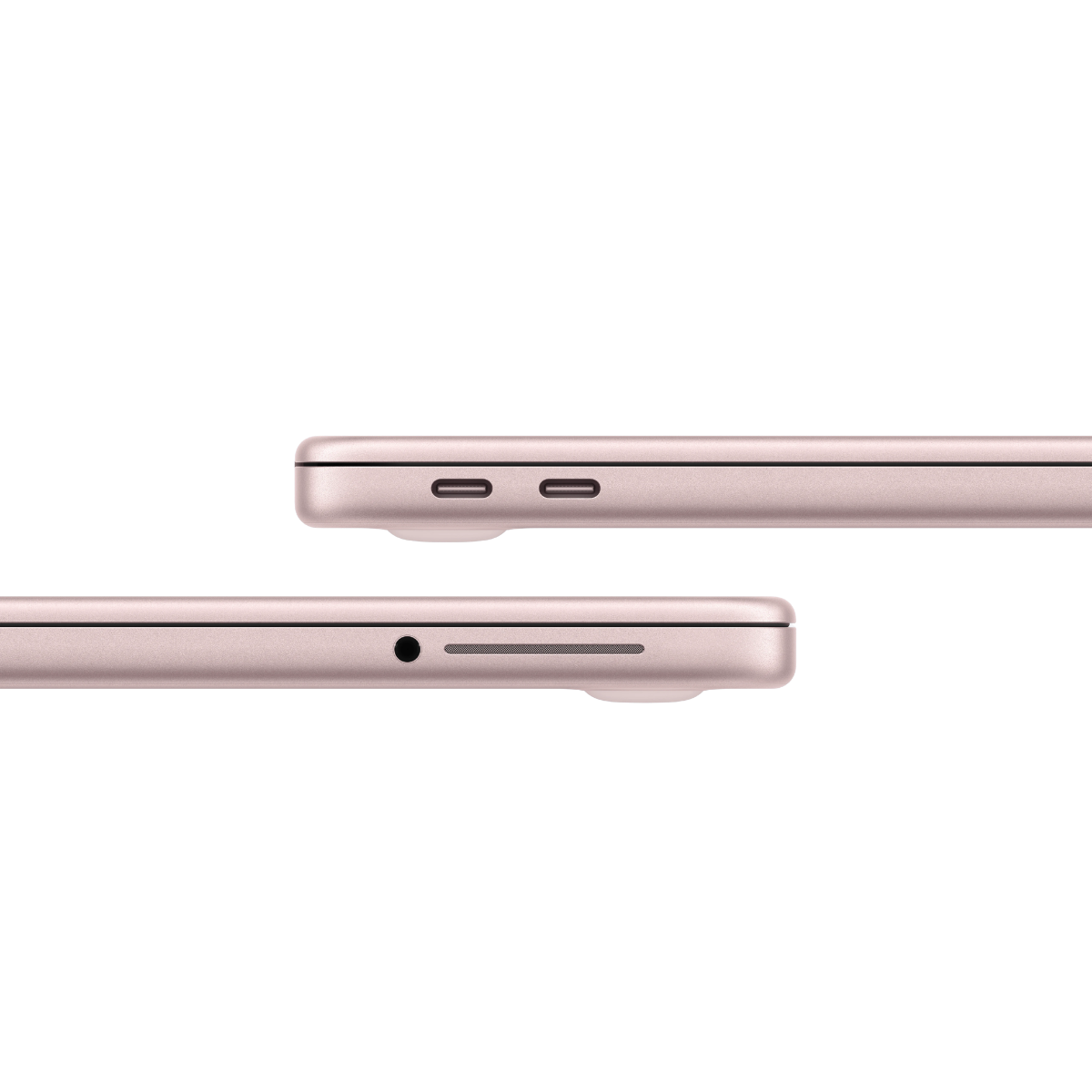
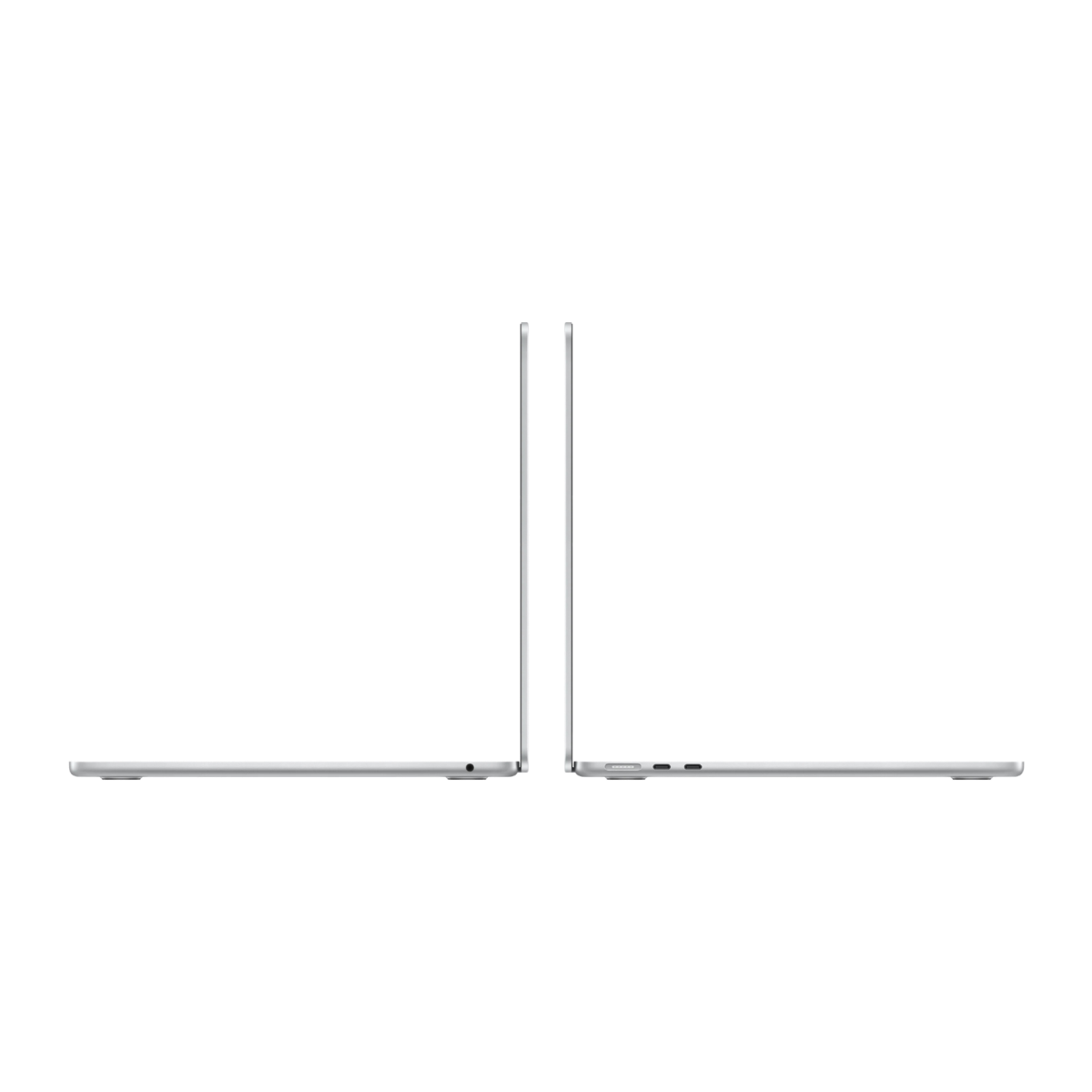
| Ports and charging | Two USB-C ports at different speeds, USB-C charging | Two Thunderbolt 4 ports, plus separate MagSafe charging |
| Native external monitor support | One display up to 4K at 60Hz | Up to two external displays alongside the built-in screen |
| Keyboard and trackpad | Unlit keyboard, mechanical trackpad, Touch ID on the 512GB model | Backlit keyboard, Force Touch trackpad and Touch ID |
| Webcam | 1080p FaceTime HD | 12MP Center Stage with Desk View |
| Weight | 1.23kg | 1.23kg |
Prices and availability were checked on 19 November 2026 and can change. The 256GB Neo was listed at £639.99 and showed out of stock at the time. Check the current price and selected configuration on the product page.
Check the MacBook Neo 512GB in Citrus · Check the MacBook Air M5 512GB in Silver
02 — MEMORY & PERFORMANCEIs 8GB enough, or should you buy the 16GB MacBook Air?
8GB is enough for many everyday workloads. If you use your MacBook for documents, email, streaming and browser-based work, the Neo can be a sensible choice even when it's your main computer. The Air makes more sense when a typical day means keeping a video call, several browser-based tools and a demanding app open together. What you run at the same time tells you more about which MacBook to buy than how long you spend at your desk.
For students, start with the software your course requires. Writing essays, researching and submitting assignments online are a good fit for the Neo. If your course involves regular video editing, larger creative projects or development tools such as an IDE and an emulator running together, the Air gives you more room to work. Check your department's software requirements before buying either Mac, especially if your course specifies Windows applications.
The performance difference is easier to see in a timed task. In Tom's Guide's HandBrake test, the Neo took 9 minutes 57 seconds to transcode the test video, compared with 4 minutes 34 seconds on the Air M5. That saving is much more relevant if you export video regularly than if you mainly move between email and a word processor. The same publication also measured substantially faster SSD speeds on the Air. Both Zextons configurations can hold the same amount of data, but the Air's faster drive can make a difference when you frequently move large files.
03 — EVERYDAY USEWhich screen, keyboard and webcam are better for everyday use?
The Air gives you a little more screen space and a wider colour range. Both displays are rated at 500 nits, so brightness alone gives you little reason to pay more. The Air's 13.6-inch panel gives you extra room for a document beside your reference material, while P3 wide colour matters more if you work with photos or video. If screen space is your main reason for upgrading, the 15.3-inch Air M5 is the more noticeable step up.
The keyboard and trackpad differences are easy to overlook until you use the laptop every day. The Air's backlit keyboard is easier to see in a dim room, and its Force Touch trackpad uses haptic feedback. The Neo has a mechanical click. Touch ID comes with the 512GB Neo and is standard on the Air. If you're choosing between the two Neo configurations, our MacBook Neo hands-on review goes into the storage decision in more detail.
For frequent video calls, the Neo has a 1080p FaceTime HD camera. The Air's 12MP Center Stage camera can keep you framed as you move and supports Desk View, which can show what's on your desk. The 13-inch Air also has a four-speaker system. These features matter most if you regularly take calls or watch video using the laptop's built-in camera and speakers.
04 — BATTERY & DESK SETUPHow do battery life, charging and external monitors compare?
The MacBook Air M5 lasts longer in both Apple's wireless browsing estimates and Tom's Guide's Wi-Fi test. Apple rates the Neo for up to 11 hours of wireless browsing and the Air for up to 15 hours. In Tom's Guide's continuous Wi-Fi browsing test at 150 nits, the Neo lasted 13 hours 28 minutes and the Air lasted 15 hours 37 minutes. Apple's higher headline figures of 16 and 18 hours, respectively, refer to video streaming. Brightness, video calls and the apps you use will affect how long either laptop lasts for you.
At a desk, the Neo works with one external display up to 4K at 60Hz through its faster USB-C port. Use that same port for a fast external SSD when you need the higher transfer speed. The other USB-C port is limited to USB 2 speeds, which may be fine for charging or connecting a basic accessory. If you regularly connect a monitor, a drive and a charger together, check what your USB-C hub can handle before buying.
The Air M5 is easier to set up for two external monitors. It supports both alongside the built-in screen, with configurations including two 6K displays at 60Hz. MagSafe also lets you charge the laptop while keeping its two Thunderbolt 4 ports free for accessories. If you already have two monitors you plan to use every day, that one requirement may settle the choice.
05 — REFURBISHED OPTIONCould a refurbished MacBook Air be better value?
A refurbished Air can be better value if you need 16GB of memory and find one close to the Neo's price. A 13-inch MacBook Air M2 with 16GB of memory and a 256GB SSD is one configuration to look for. It gives you more memory than the Neo, but that particular configuration gives you half the storage of the 512GB Neo in this comparison. Check the exact configuration because the same model name can cover several memory and storage options.
Before buying refurbished, compare battery condition, cosmetic grade, UK keyboard layout and warranty alongside the price. If you're considering an older Air for a two-monitor desk, verify that generation's display support as well. The 13-inch M2 Air, for instance, supports one external monitor natively.
Shop the full MacBook range
06 — THE VERDICTWhich MacBook should you buy?
MacBook Neo
Buy the MacBook Neo if your typical workload is browsing, writing, streaming and light office or university work. At the prices checked, keeping the £400 made sense if your apps fit comfortably within that workload and one external monitor is enough.
Free Next-Day UK DeliveryMacBook Air M5
Buy the MacBook Air M5 if you regularly export video, run demanding apps together or already use a two-monitor desk. The Air is also easier to justify if you rely on its longer browsing battery life and better connectivity several days a week. If your main reason for upgrading is 16GB of memory, compare the price of a suitably configured refurbished Air before buying.
Check the MacBook Air M5 512GB in SilverFAQFrequently asked questions
Can you upgrade the RAM or SSD after buying either MacBook?
The internal memory and SSD are soldered on both models. Choose the capacity you expect to need when ordering. An external SSD can hold photos, videos and archives if you run short of space. It cannot add unified memory.
Can you use the charger from your phone with the MacBook Neo?
You can use a compatible USB-C Power Delivery charger rated at 20W or higher. Check the wattage and USB PD support on your adapter. Apple's UK box contents list a USB-C charging cable, so confirm what's included on the retailer's listing if you also need a wall adapter.